

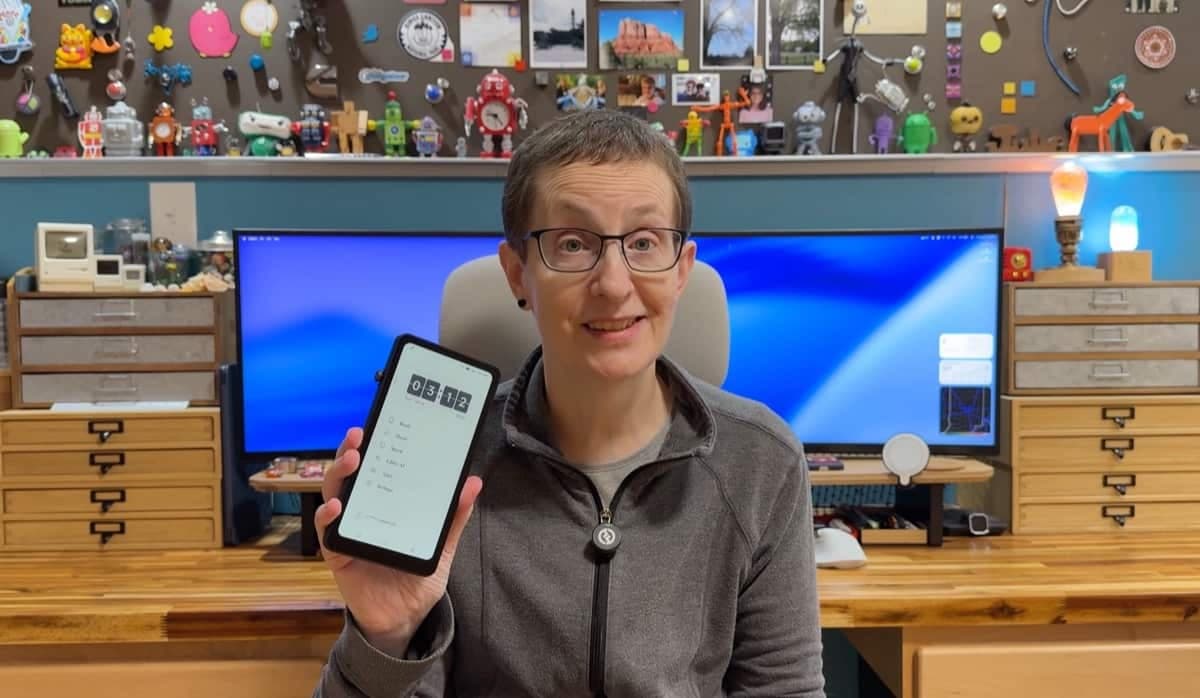
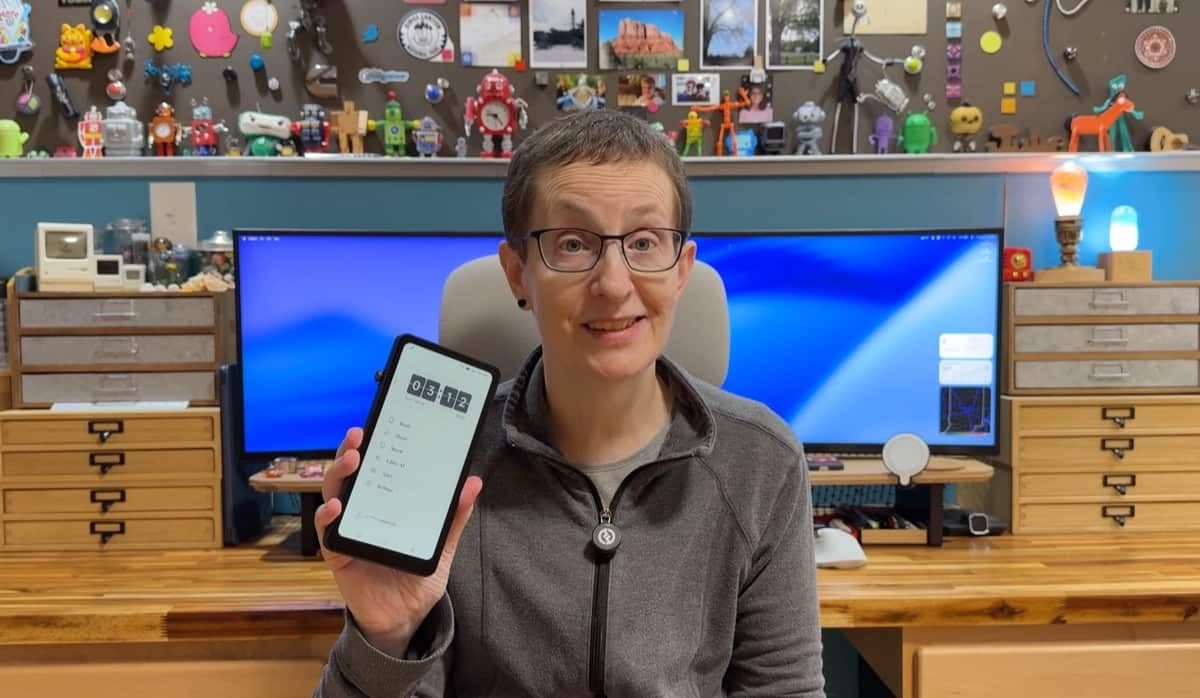
REVIEW - The DuRoBo Krono ePaper eReader is a compact E‑Ink device that aims to be more than just an ebook reader. It promises to be a focus hub with voice tools, AI features, and Android apps on an e‑paper display. I spent a couple of weeks with one to see whether the Krono delivers a distraction‑free reading experience and whether its extra features actually help. Here’s a hands‑on look at the hardware, software, reading experience, and whether the DuRoBo Krono ePaper eReader is worth the price.
PRICE: $279.99
WHERE TO BUY: DuRobo and Amazon
SOURCE: The sample for this review was provided for free by DuRobo. They did not have a final say on the review and did not preview the review before it was published.
Quick summary
What it is: A 6.13" E‑Ink Android 15 device designed for reading and low‑distraction tasks.
Standout features: Smart dial, voice recorder (Spark), built‑in "Libby" AI assistant, breathing lights for reading goals.
Price at review: €239.99 (~$280.00).
Verdict in one line: The DuRoBo Krono ePaper eReader is an interesting idea with a decent reading core, but software polish, file import functionality, and AI reliability need work before I'd recommend it at full price.
What’s in the box?
DuRoBo Krono device
USB-A to USB-C charging/data transfer cable
Manual
Design and features
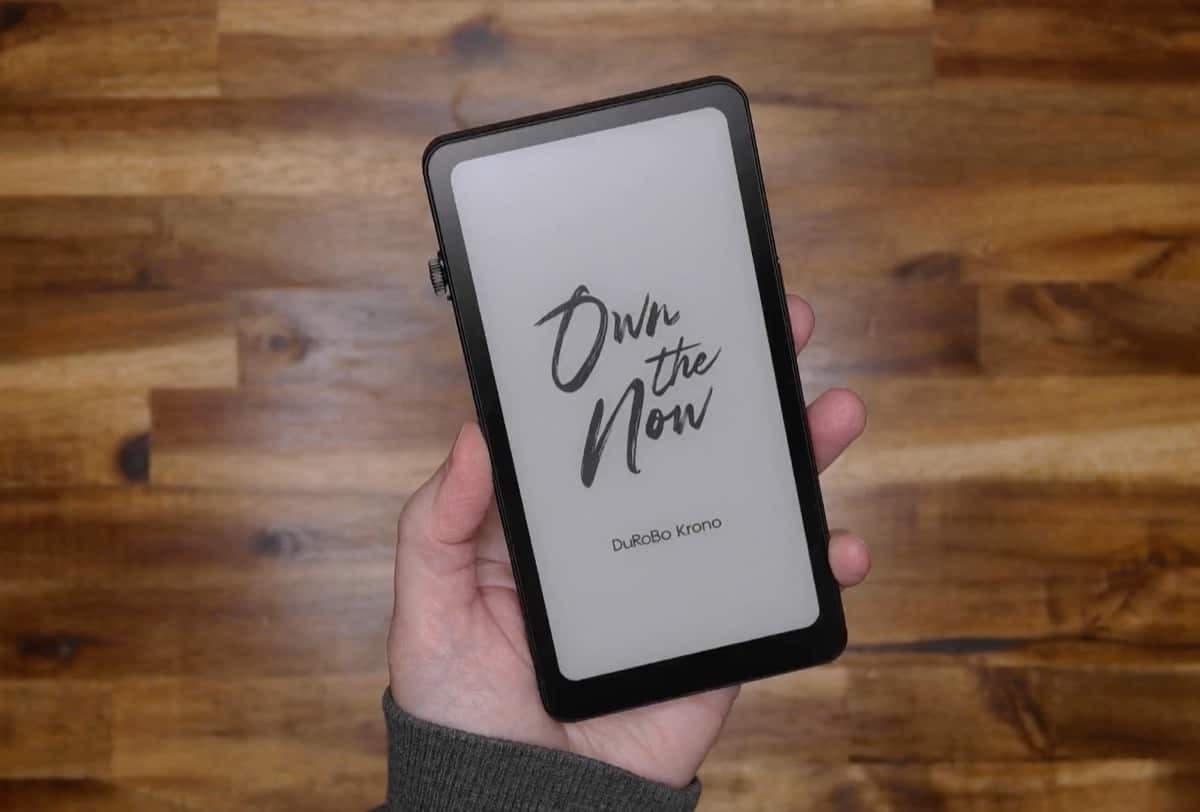
The Krono ships as a compact device (154 x 80 x 9.0 mm (6.06" x 3.15" x 0.35") that you can buy in black or white. It has a 6.13‑inch HD Carta 1200 E‑Ink display with no buttons on the front, a rotating "smart dial" on one side, power and volume on the opposite side, a microphone on top, and speakers plus a USB‑C port on the bottom for charging and file transfers.
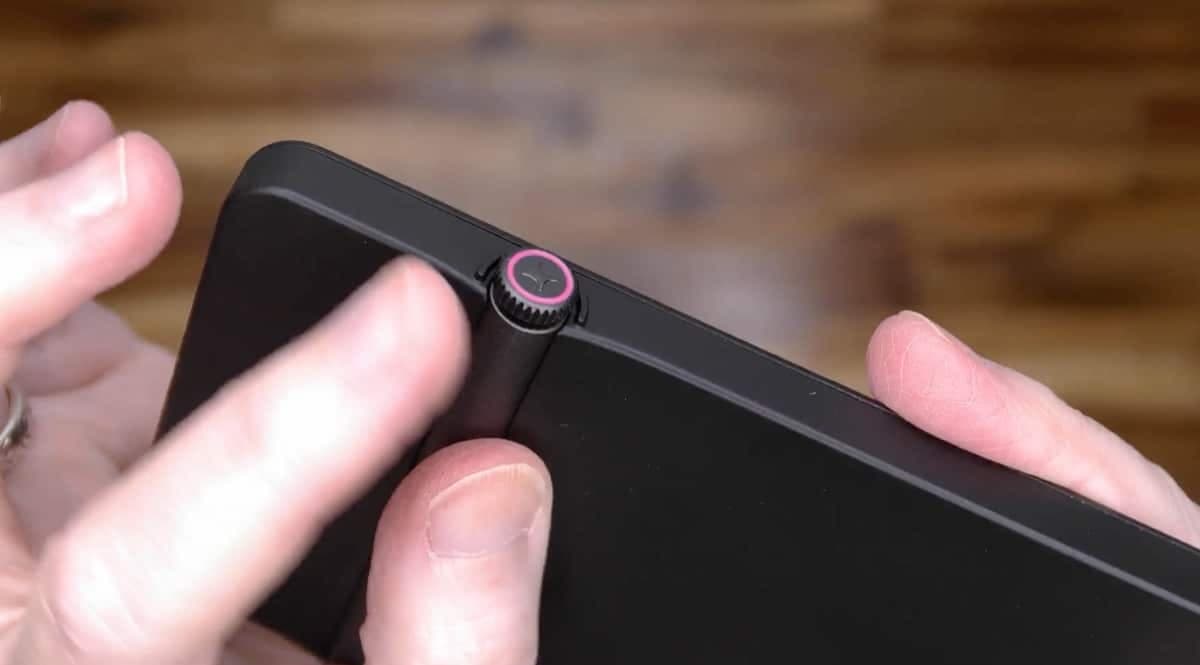
The smart dial is a neat idea: it rotates freely, clicks in, and can adjust backlight, start the voice recorder, or in some screens, serve as a scroll control. The feel is pleasant, but integration with third‑party apps (for example, Google Play Books) is inconsistent because the smart dial didn’t turn pages there.
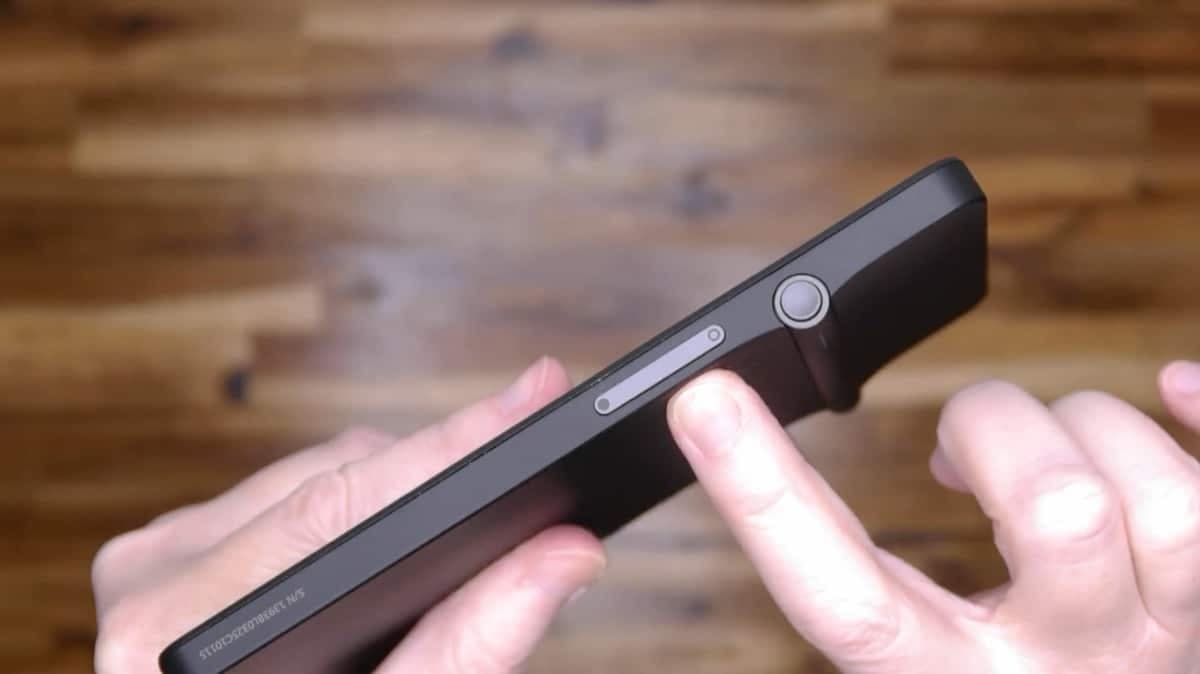
The opposite side of the device has the power button and volume button.
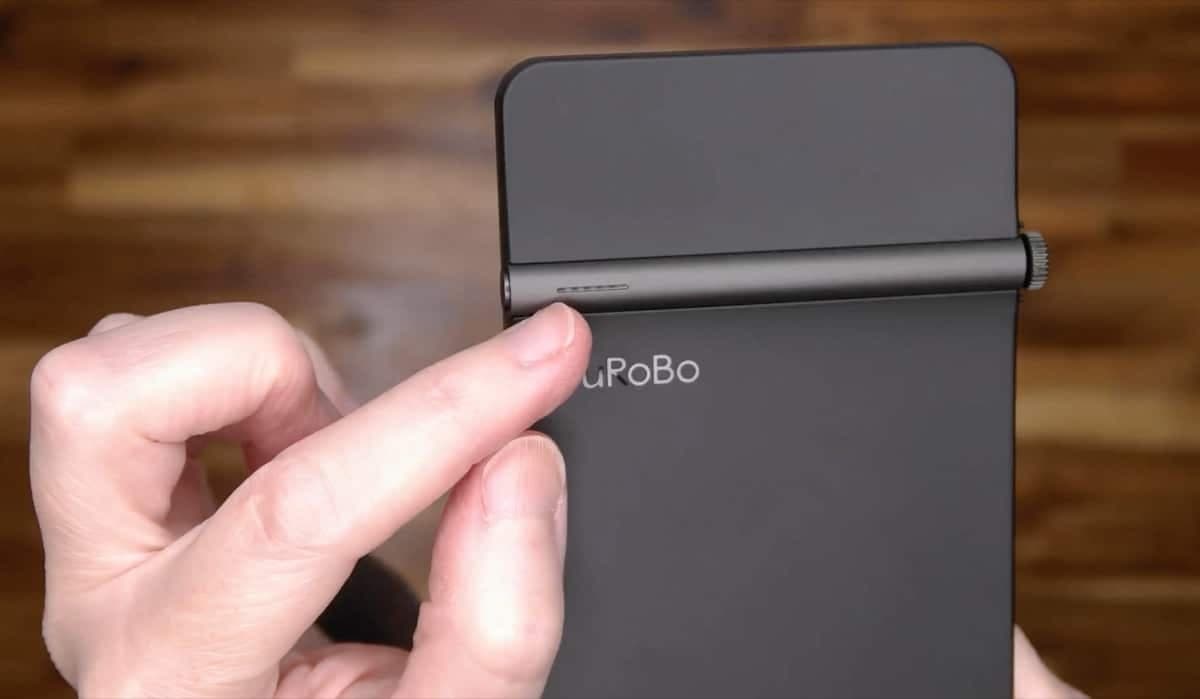
The back of the device has a unique design with a raised bar that has a segmented row of LEDs. These LEDs are called breather lights and are designed to remind you to read and show the status in the books that you're reading. I was unable to get this feature to work.
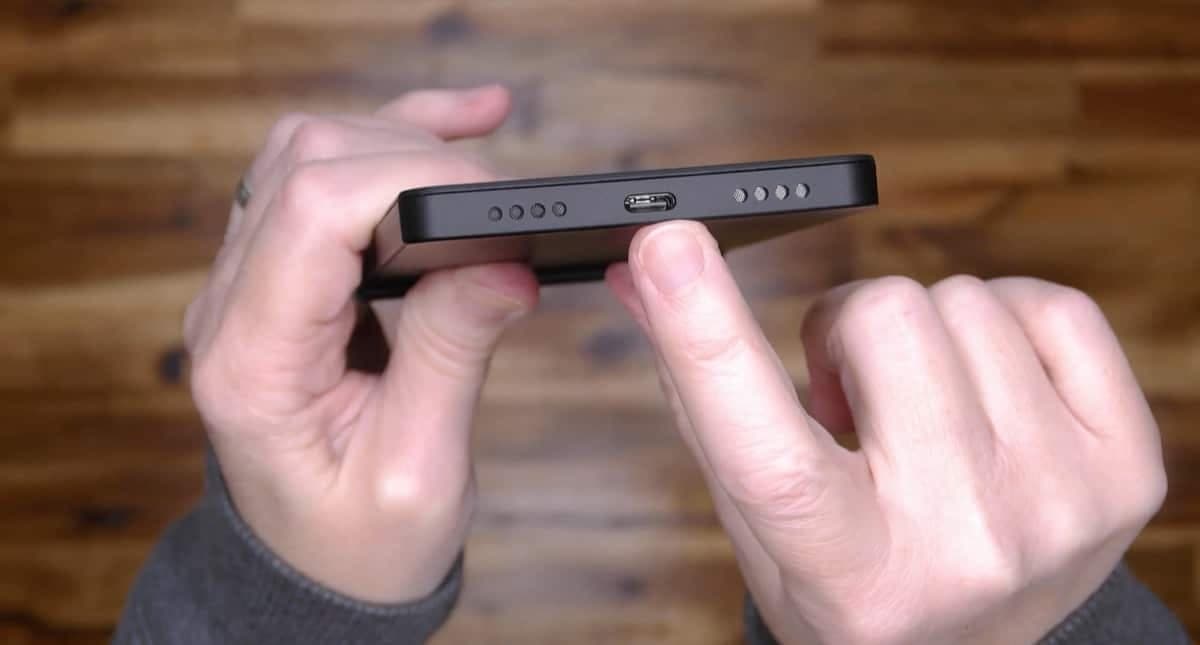
A USB-C charging port and speakers are located along the bottom edge of the Krono.
Software: Android + E‑Ink quirks
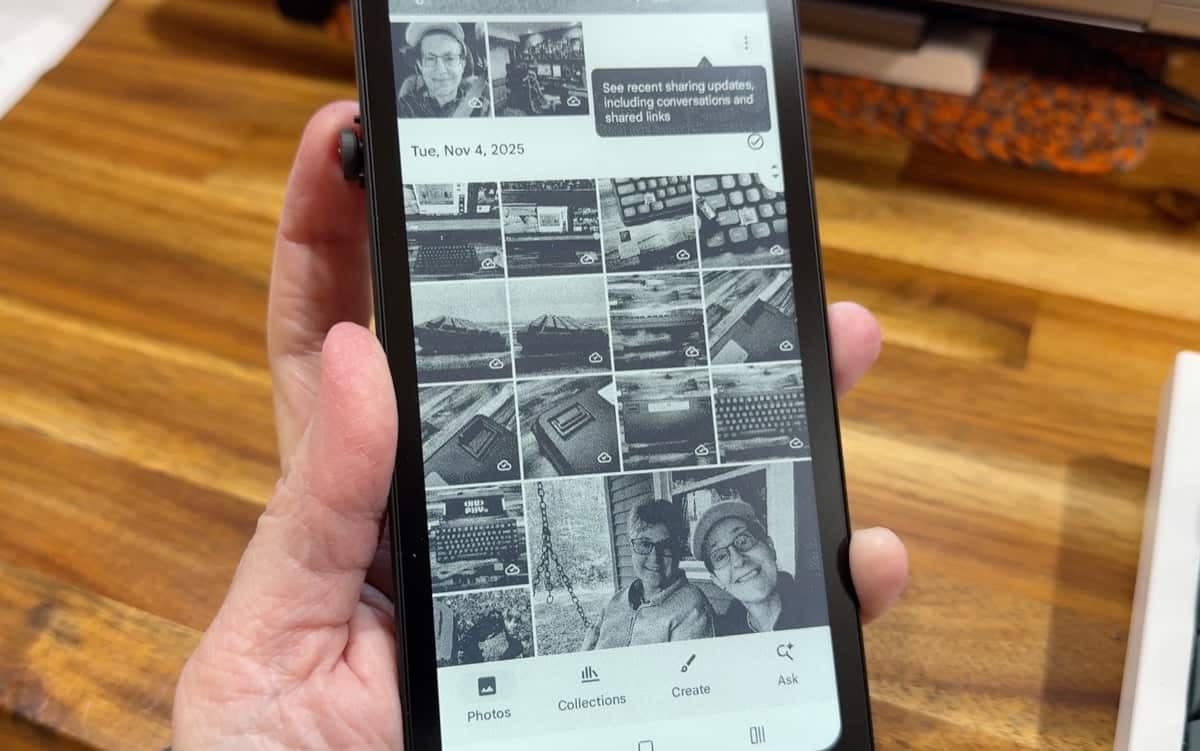
The DuRoBo Krono runs Android and ships with the Play Store preinstalled, so you can install any Android app that is on the Play Store. Keep in mind that the monochrome E‑Ink canvas so don't be disappointed when apps that leverage color, video, photo viewing, and games are not all that enjoyable to use on this device.
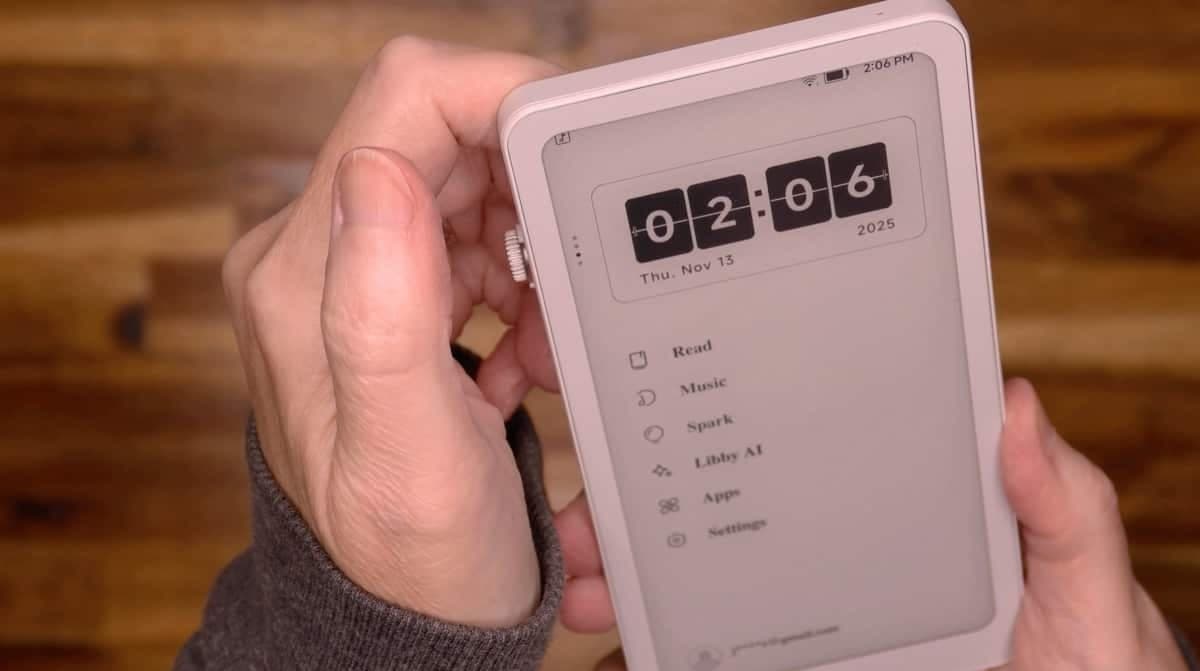
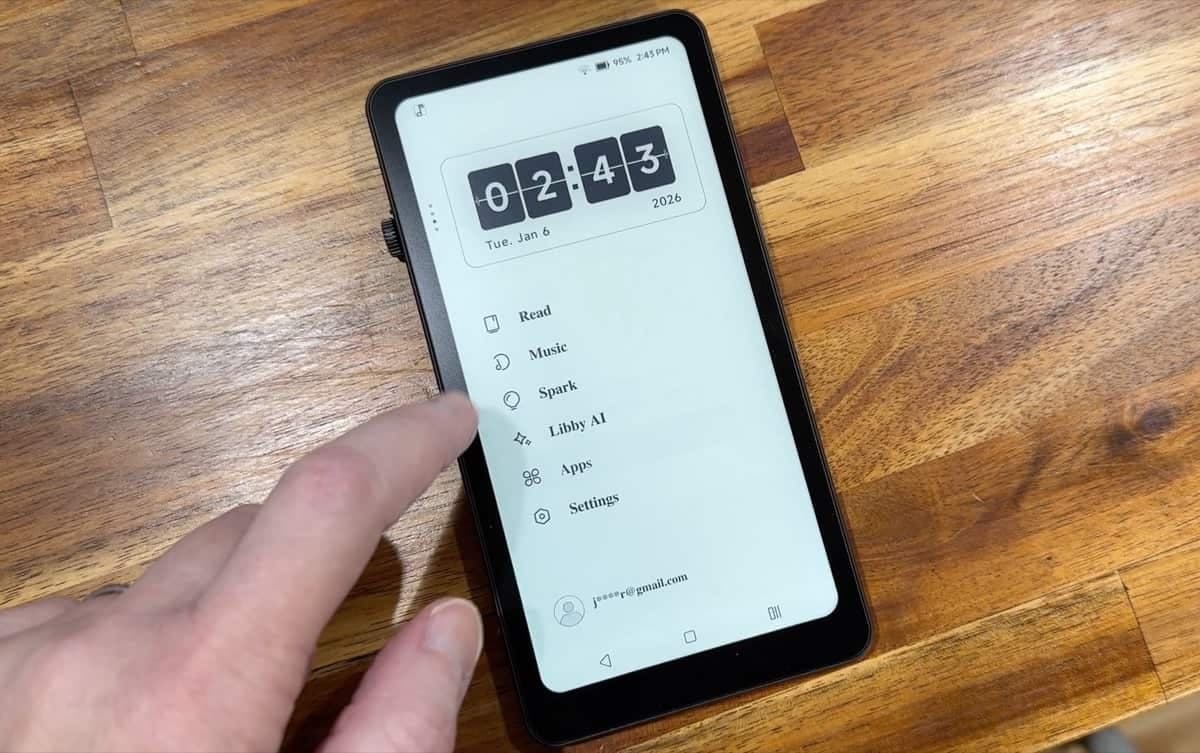
On the home screen you’ll find a scrolling widget block at the top and a basic app menu below it. The menu lists built‑in items: an e‑reader, music player, Spark voice recorder, and Libby AI assistant. Navigation feels a bit sluggish at times: taps can be delayed or bring up the wrong app, which makes the interface feel unfinished.
Spark voice recorder and transcription
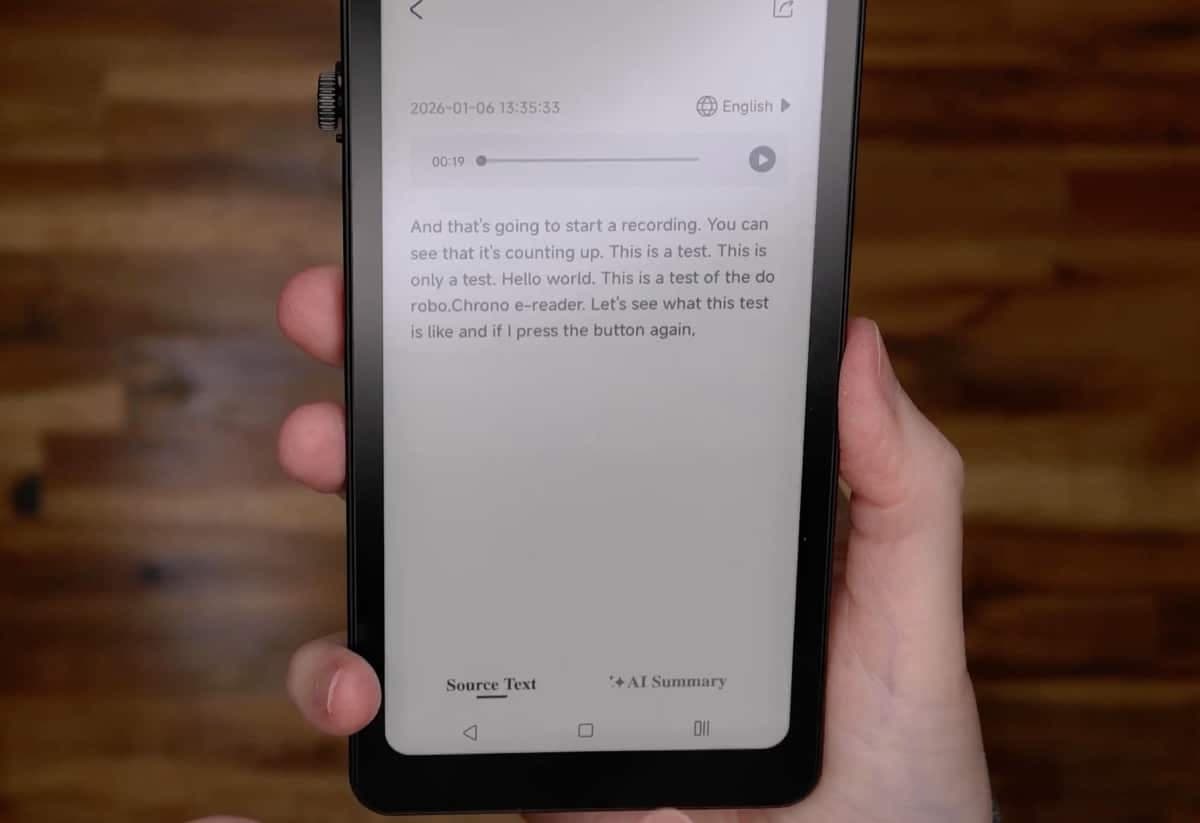
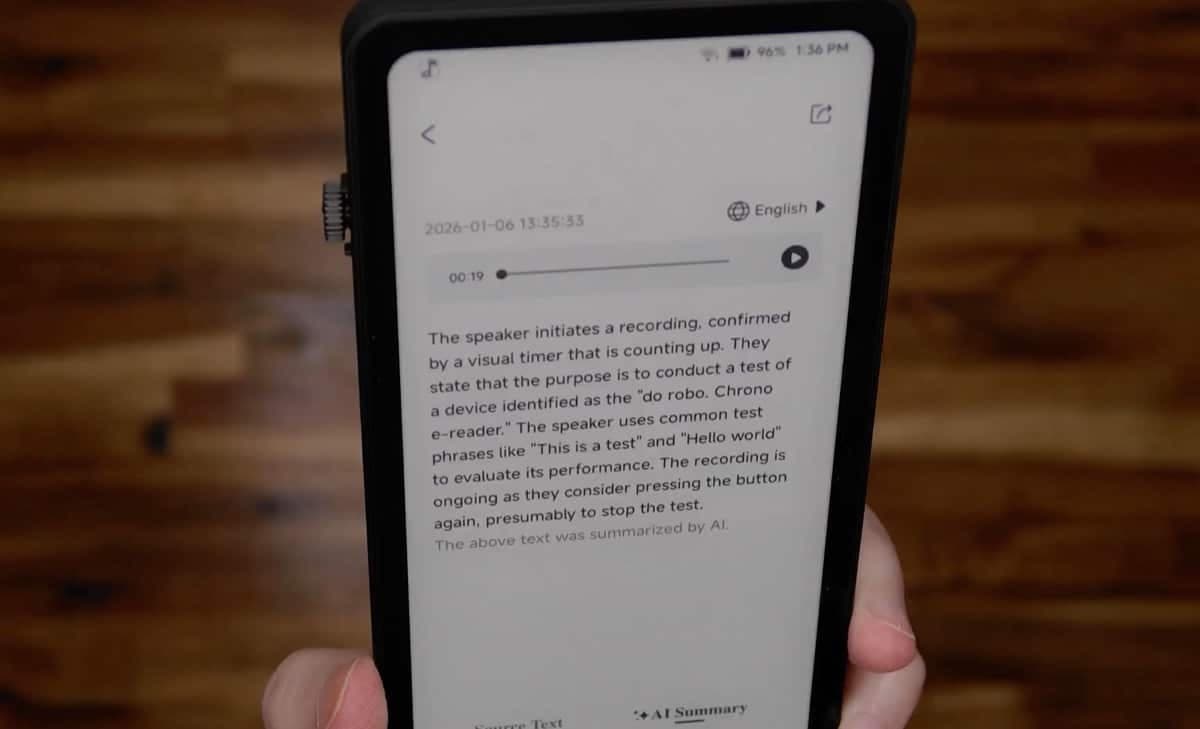
The Spark recorder is a simple voice recorder. To start a recording, you just hold the smart dial to start the recording and tap again to end it. You can then play back, pin, rename, or transcribe recordings. The transcription service turns the voice recording into text and the device offers an AI summary option for voice notes which is useful in theory, though the process can be slow and sometimes the summary is longer than the original transcribed note. See the image above? That's the transcribed text from a voice note. The transcription was spot on. But check out the AI summary below... overkill.
Libby AI assistant
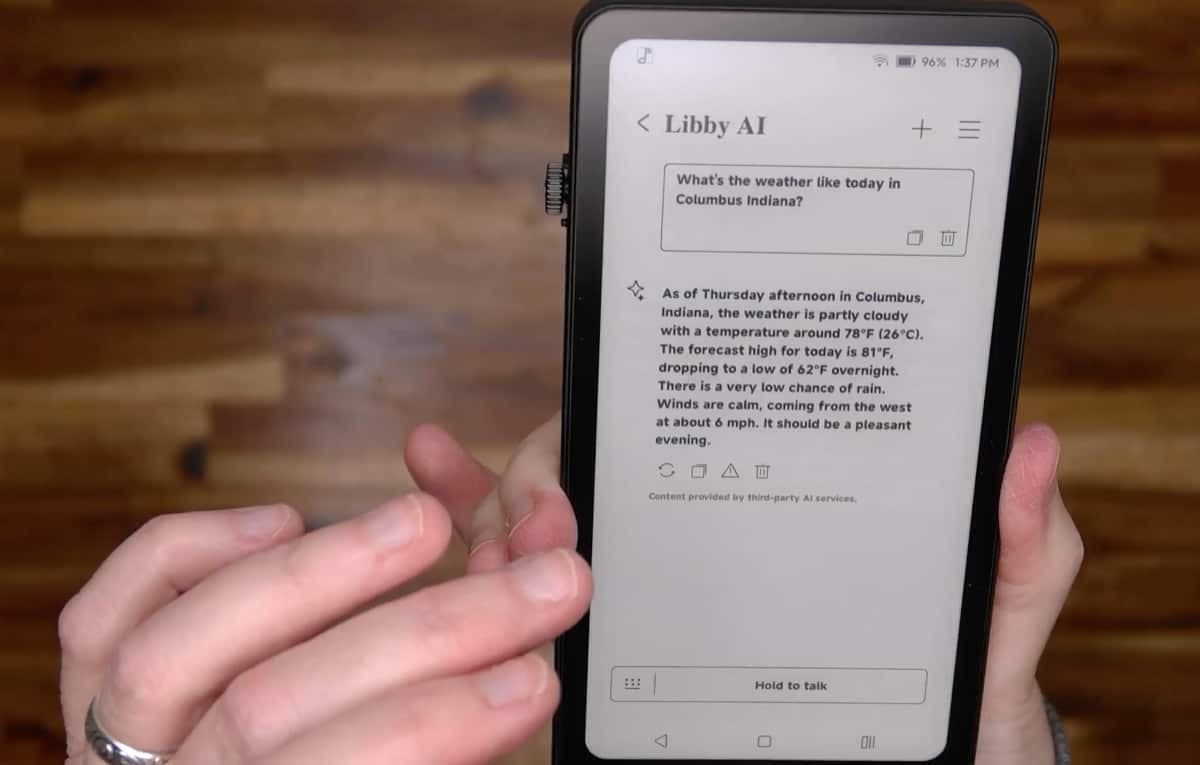
Every device these days has to have an AI component and the DuRoBo Krono has Libby AI. Libby lets you ask questions by holding the button and speaking (or you can type in your question using the onscreen keyboard). In practice the responses can be slow and sometimes inaccurate. I asked about the weather for my local town and received a clearly incorrect temperature forecast. The AI also can't access your local files (so it won't search your voice notes for keywords), which limits usefulness in my opinion.
Reading experience
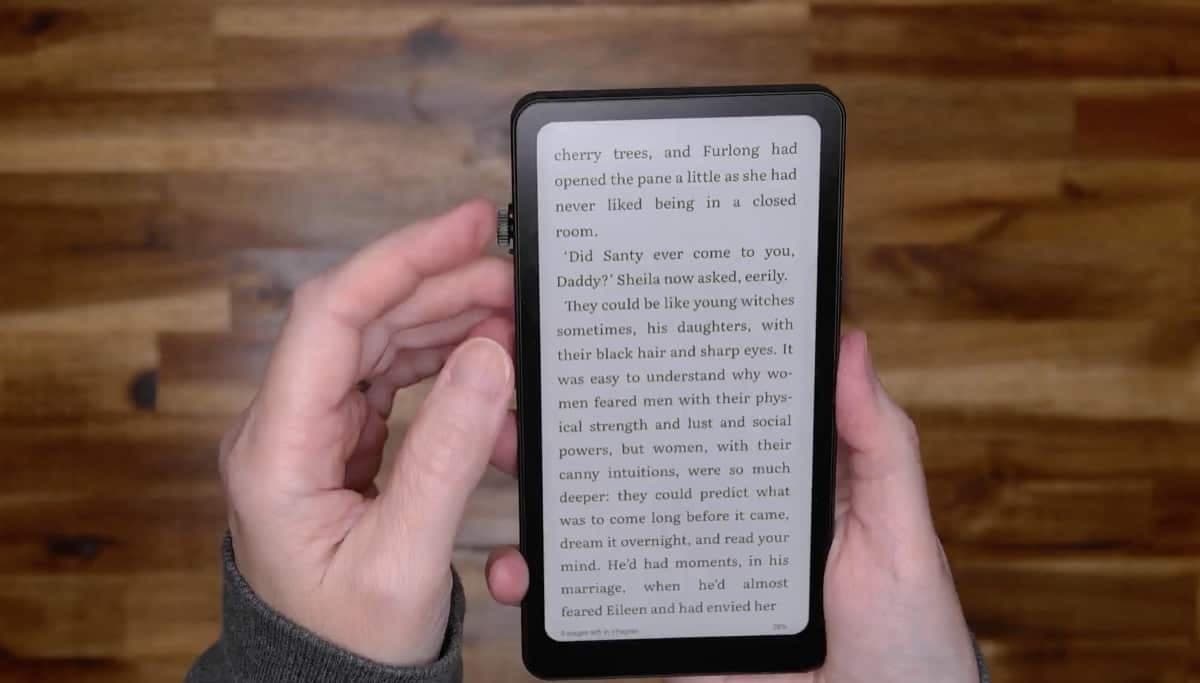
The Krono has it's own built-in reader app but sadly, I wasn't able to import any books into the device to test it. Connecting the Krono to my MacBook with the included USB cable did not mount the device as a drive. I also tried connecting a USB-C SSD and didn't have luck trying to import files that way either.
To get around this problem, I installed Google Play Books which let me access my existing Play library. Using that app, the page turns are snappy by E‑Ink standards. Note that the Smart Dial doesn't allow turning pages. The device is comfortable to hold and it's pocketable, which is a strong point for readers who want something smaller than large E‑Ink tablets.
The Krono also tries to encourage reading with physical "breathing lights" on the back tied to the built‑in reading app, a small but thoughtful feature for habit building. I've yet to actually test this feature though.
File transfers and compatibility issues
One significant pain point: importing EPUBs or MP3s via USB with a Mac wasn't possible in my testing. The Krono recognized a plugged‑in SSD, but wouldn’t import MP3 or EPUB files, and it wasn’t showing as a mounted drive on my Mac. If you plan to sideload books or music often, be prepared for friction until DuRoBo improves compatibility.
Battery, speakers, and everyday use
Speakers and the microphone are fine for voice memos and occasional audio playback, but don’t expect tablet‑grade sound. Battery life on E‑Ink devices tends to be excellent; I used the Krono for reading and notes across several days without worrying about daily charging. The 3,950 mAh Li-ion Polymer lasted many days with casual ebook reading.
Price and who it’s for
At about €239.99 (~$280.00), the DuRoBo Krono ePaper eReader sits between budget e‑readers and premium E‑Ink tablets. For that price I expect polished software, reliable file transfer, and AI features that actually add convenience. Right now, it’s most attractive to someone who wants a compact, pocketable E‑Ink Android device and is willing to accept some rough edges.
See it in action
Final thoughts
I wanted to like the DuRoBo Krono ePaper eReader because the concept is appealing: a distraction‑minimizing device with voice tools and an AI helper. In practice the reading experience itself is okay, the hardware design is interesting, but the software responsiveness, AI accuracy, and the file‑import feature need improvement. As it is right now, it's hard to recommend this device.
What I like about the DuRoBo Krono ePaper eReader
Pocketable 6.13" E‑Ink form factor that is great for reading on the go.
Smart dial and simple voice recorder with transcription.
Android + Play Store gives flexibility for reading apps like Google Play Books.
Breathing lights and goal features are thoughtful for habit building (once that feature is actually implemented)
What needs improvement
Slow, sometimes inaccurate Libby AI responses.
Unreliable USB file transfers and poor Mac compatibility.
Occasional sluggishness and inconsistent UI behavior.
Price feels high for the current polish level.
Should you buy one?
If you want a small E‑Ink Android device and can live with early‑stage software quirks, the DuRoBo Krono ePaper eReader is an intriguing, pocketable option. If you expect a seamless, polished experience or rely on sideloading files frequently, wait for firmware updates or a lower price. At around €239.99, I’d hold off unless you specifically want the Krono’s form factor and can accept its current limitations.
Have you tried a pocket E‑Ink reader? Which one do you like best? The Krono’s combination of hardware and ambitious software is worth watching. I hope future updates tighten the experience and make the DuRoBo Krono ePaper eReader a more compelling buy.
PRICE: $279.99
WHERE TO BUY: DuRobo and Amazon
SOURCE: The sample for this review was provided for free by DuRobo. They did not have a final say on the review and did not preview the review before it was published.
Related posts