

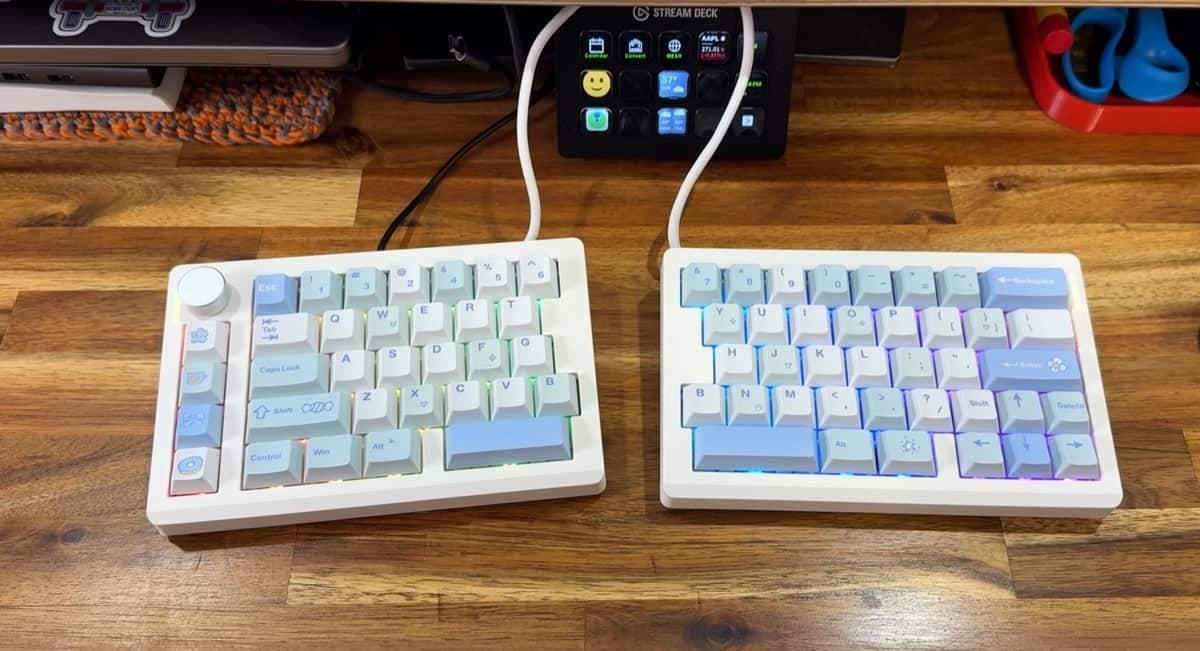
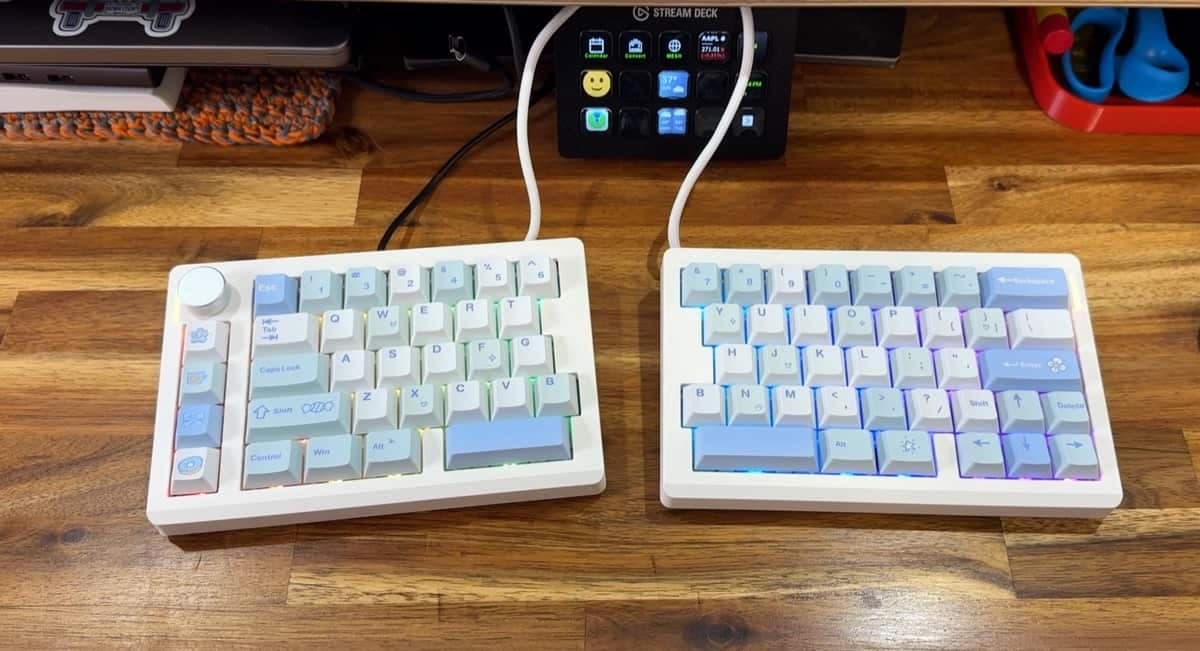
REVIEW - If you're curious about split mechanical keyboards that promise improved ergonomics without sacrificing features, the EPOMAKER Split70 keyboard is worth a close look. I spent a week with this 70% split layout and in this review I'll cover what's included, how it sets up, the typing experience, lighting, and the small quirks that stood out to me.
PRICE: $99.17
WHERE TO BUY: Amazon
What is it?
The EPOMAKER Split70 keyboard is a compact, split mechanical keyboard in a 70% layout. It ships as two magnetic halves, supports hot-swap switches, and offers tri-mode connectivity (wired USB-C, Bluetooth, and a 2.4GHz USB dongle). It's customizable via VIA software and includes RGB lighting and an analog volume knob.
What comes in the box?
Two keyboard halves (magnetically attachable)
Quick start guide
USB-A to USB-C cable to connect to your computer
USB-C to USB-C cable to connect the two halves together
Extra switches and a keycap / switch puller
Mac-friendly keycaps for Command and Option
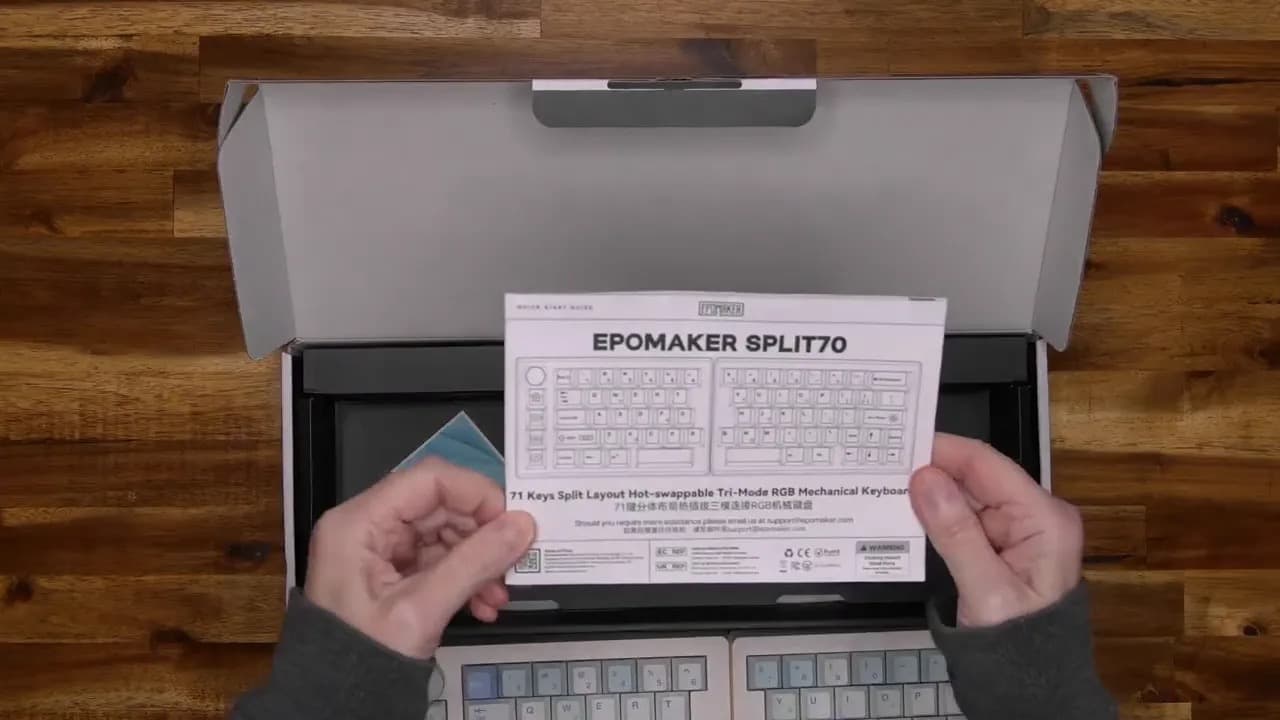
Design and features
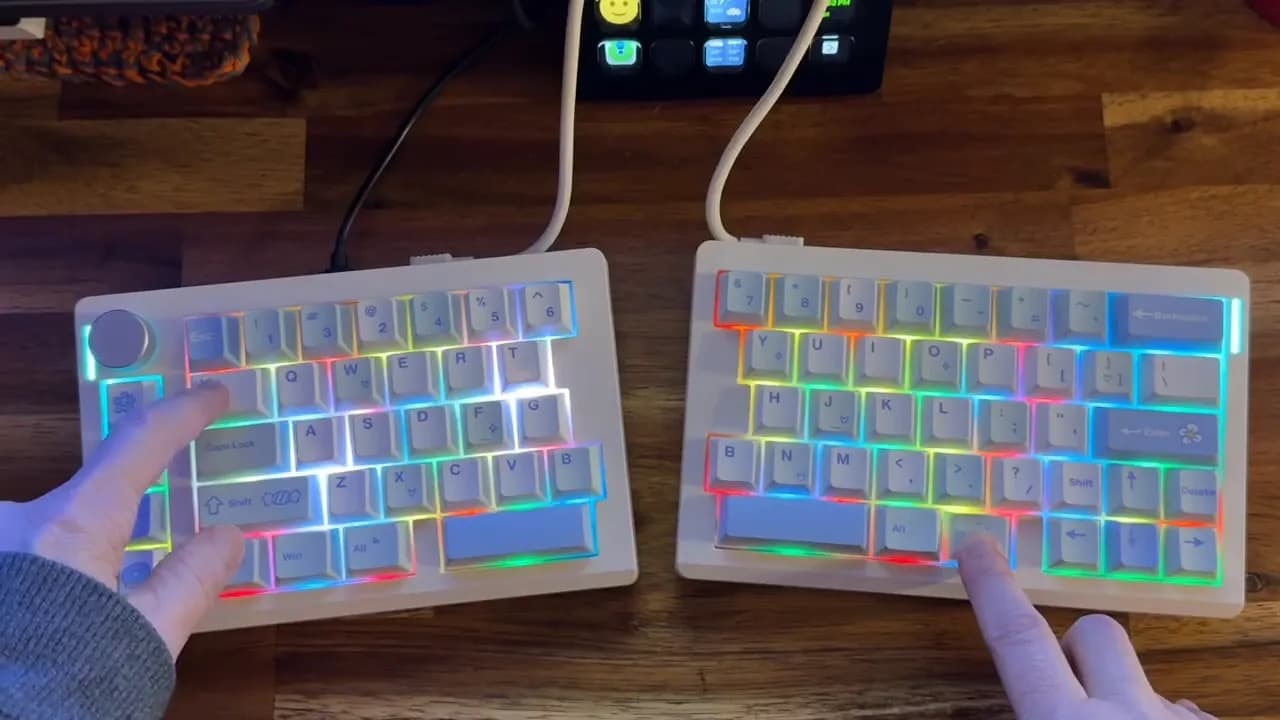
Out of the box the EPOMAKER Split70 keyboard feels well made. The two halves snap together with magnets so you can use the keyboard as a single unit or split it for a more ergonomic setup. The left half includes a tactile rotary knob (press to mute) and a few custom-graphic keys, while the right half houses the arrow cluster in a T arrangement typical of a 70% layout.
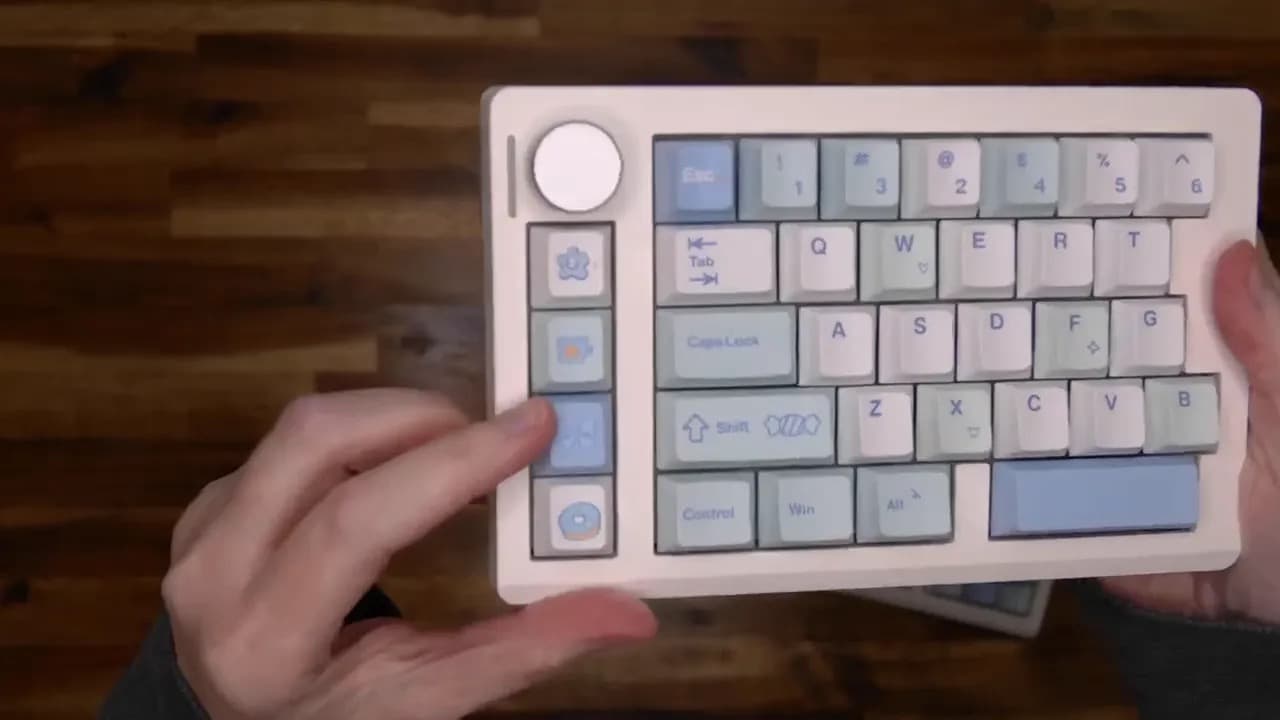
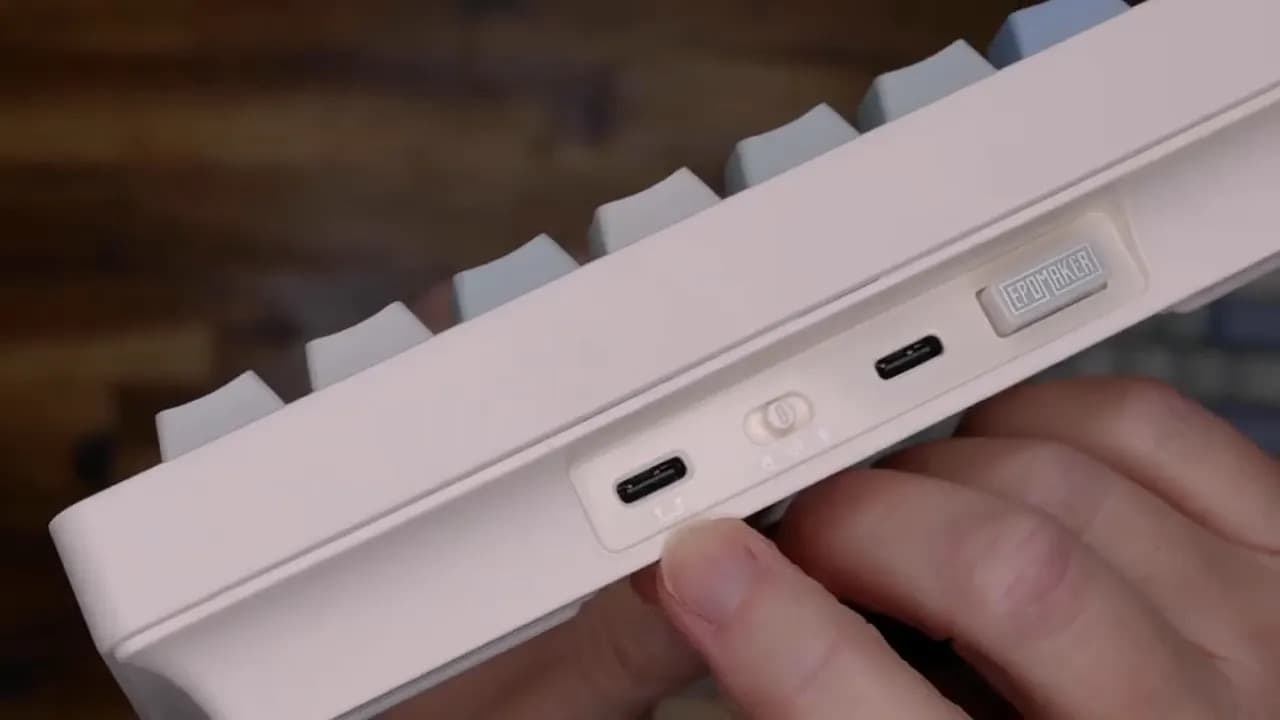
Both halves feature USB-C ports. One for connecting the halves, and the primary one for plugging into your computer when you choose wired mode. A physical mode switch lets you toggle between wired, Bluetooth, and the 2.4GHz dongle. The keyboard sits at a gentle ergonomic angle that's comfortable for extended typing.
Setup: easy on macOS (and other platforms)
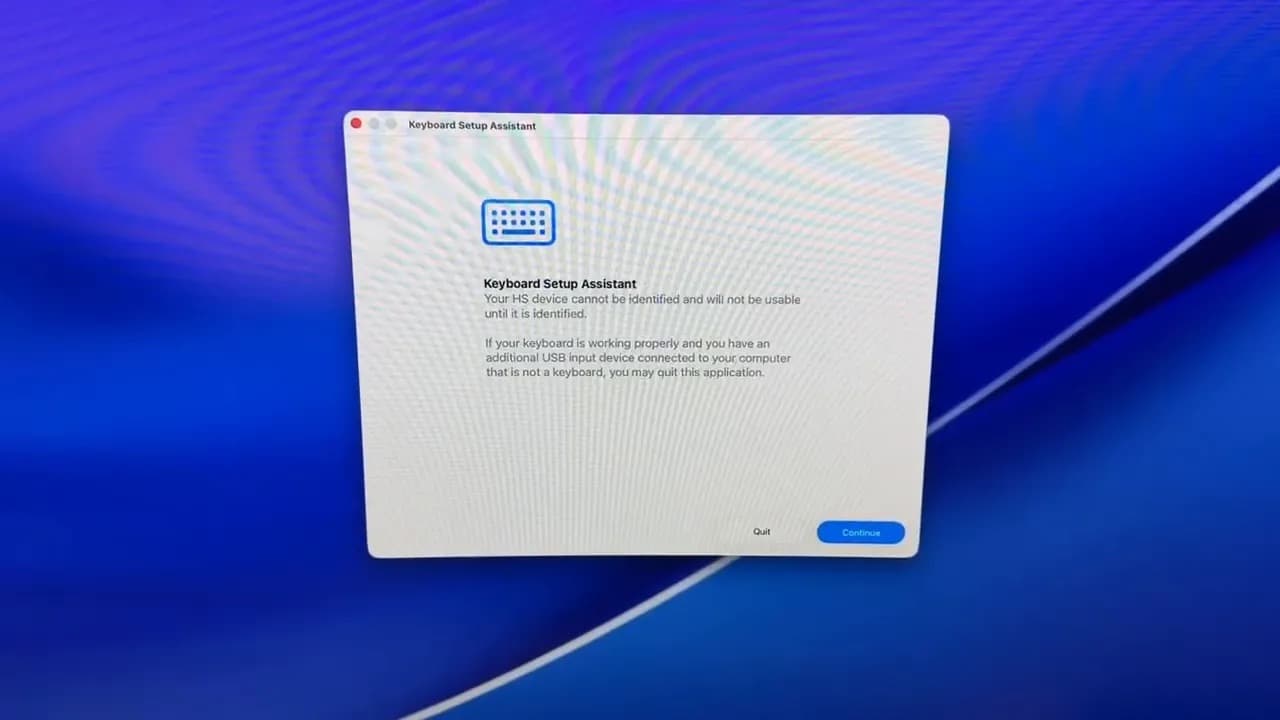
Getting started was straightforward. I plugged a USB-C cable into my MacBook and macOS immediately launched the keyboard assistant setup. A couple of key presses for identification and the system recognized the EPOMAKER Split70 keyboard instantly with no fuss.
Typing test: sound and feel
This keyboard is clicky and satisfying if you like an audible mechanical feel. The switches I tested felt nice to press and delivered a classic "click-clack" experience. The keyboard is hot-swappable, so you can easily try different switches if you want a different sound or actuation force.
Lighting and customization
The EPOMAKER Split70 keyboard includes RGB lighting with multiple effects. You can cycle through lighting modes directly on the keyboard (hold the function key and tap Tab) or customize layouts and key functions using VIA software for deeper remapping and layer work. VIA support is a real plus if you like tailoring layers, macros, and key assignments.
See in action
What I liked about the EPOMAKER Split70
Tri-mode connectivity: wired USB-C, Bluetooth, and 2.4GHz dongle give you flexible options.
Hot-swap switches: easy to swap switches and experiment without soldering.
VIA compatibility: powerful customization for layers and macros.
Solid build and magnets: the halves stick together cleanly when you want a single keyboard.
Compact 70% layout: good for saving desk space while retaining arrow keys.
What could be improved
Knob placement: the analog volume knob is on the upper-left corner of the left half. If you're used to knobs on the right, this may require a short muscle-memory adjustment.
Split learning curve: split keyboards aren't for everyone. Expect a little time to adapt if you come from a traditional single-piece layout.
Who should consider the EPOMAKER Split70 keyboard?
If you're interested in trying a split layout for ergonomic reasons, like tinkering with switches, or want a compact board with strong customization options, the EPOMAKER Split70 keyboard is a compelling choice. It's especially attractive if you value multiple connection modes and the ability to hot-swap switches without extra tools.
Final thoughts
After using the EPOMAKER Split70 keyboard for a few days, I came away impressed. It sounds good, types comfortably, and the build quality is solid. The knob's placement took a minute to get used to, but that's a small gripe in the grand scheme. If you've been on the fence about split keyboards, this model from EPOMAKER is a sensible, feature-rich option to try.
PRICE: $99.17
WHERE TO BUY: Amazon
SOURCE: The sample for this review was provided for free by EPOMAKER. They did not have a final say on the review and did not preview the review before it was published.