

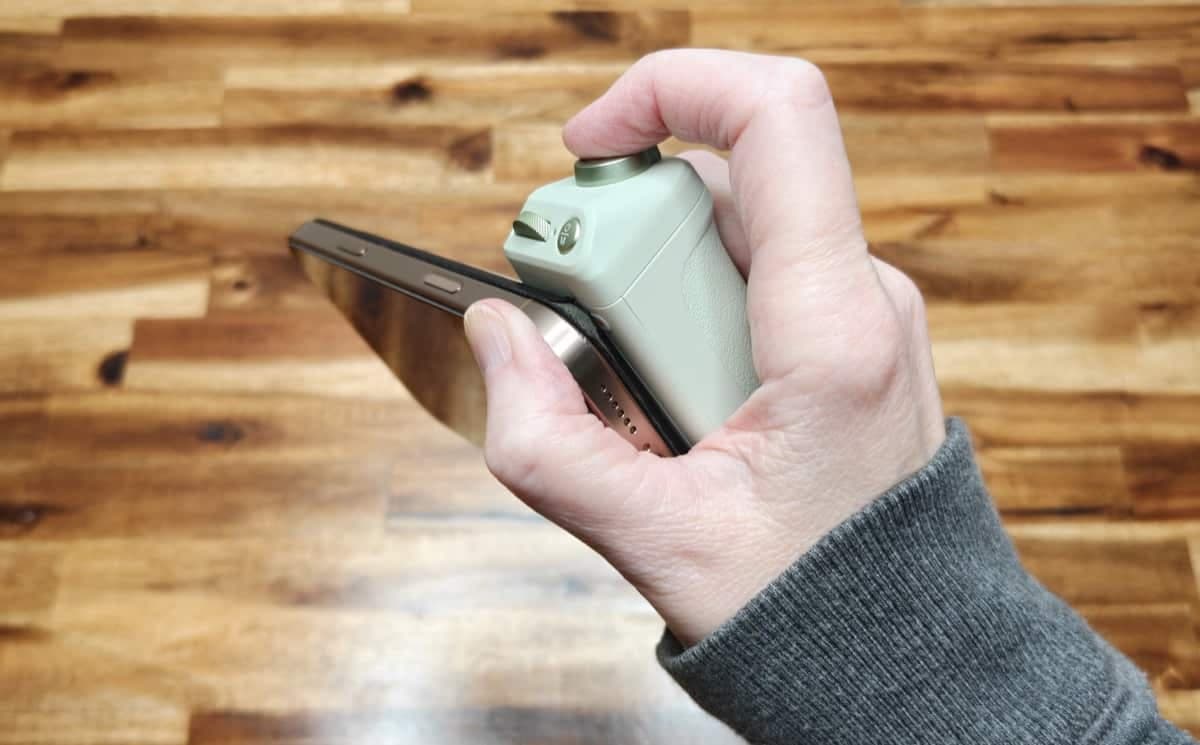
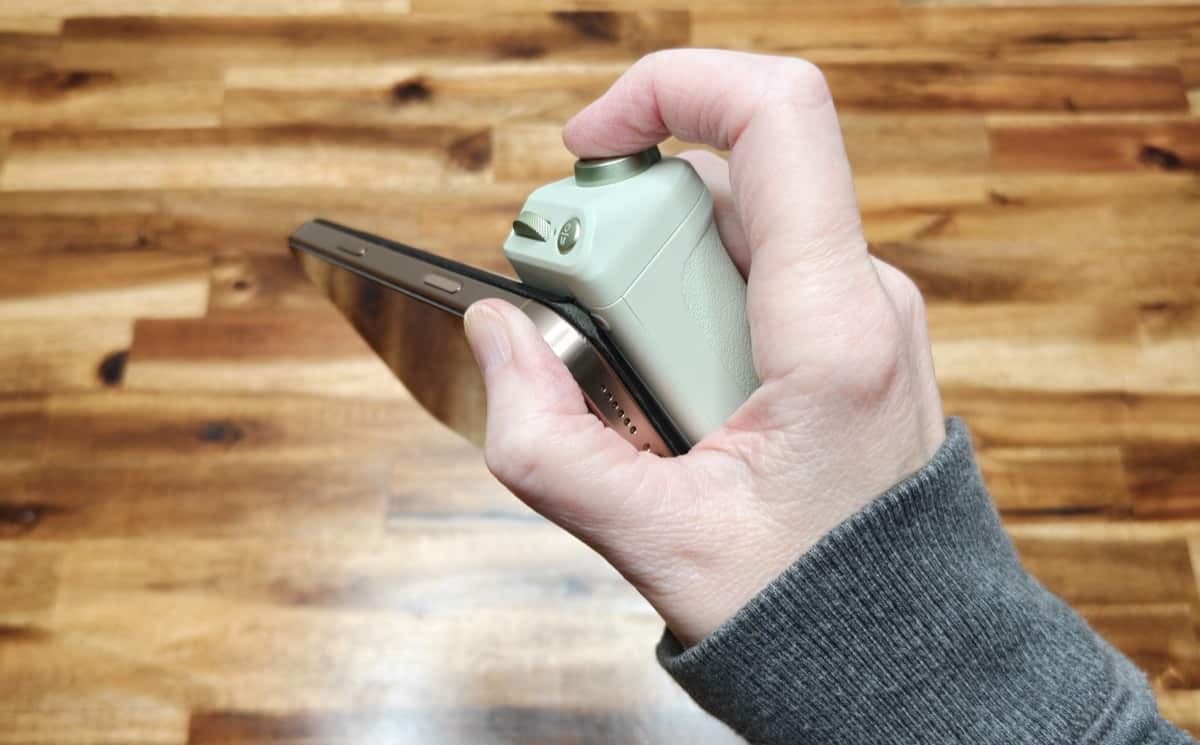
REVIEW - The PGYTECH MagCam 2 Phone Grip is a compact MagSafe accessory aimed at mobile creators who want a DSLR-like handling experience with their iPhone. I spent several days using the MagCam 2 to test build quality, controls, app integration, and everyday usefulness. Here’s a clear look at what it does well and where it falls short.
PRICE: $59.95
WHERE TO BUY: PGYTECH and Amazon (Use discount code: Y2KUY4EV)
What is it?
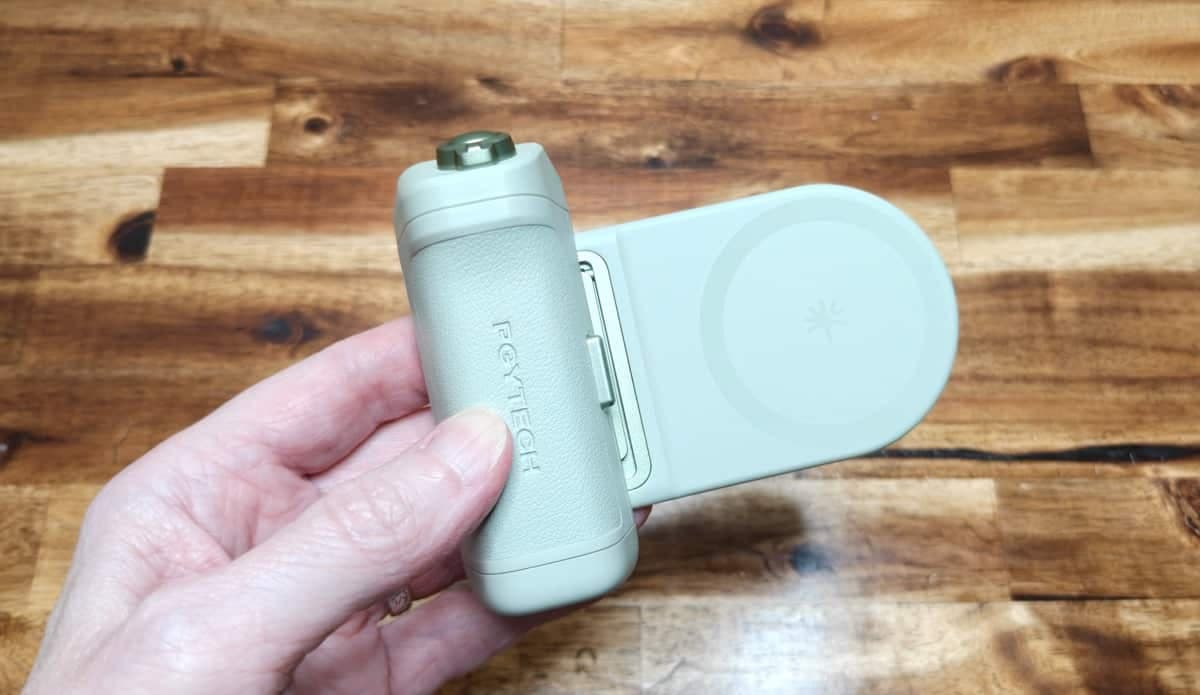
The PGYTECH MagCam 2 Phone Grip adds a comfortable grip, a hardware shutter button, a customizable dial, a spring-loaded zoom lever, and a detachable MagSafe mount that doubles as a stand. It also includes a built-in battery, a USB-C charging port, and a tripod socket.
What’s included
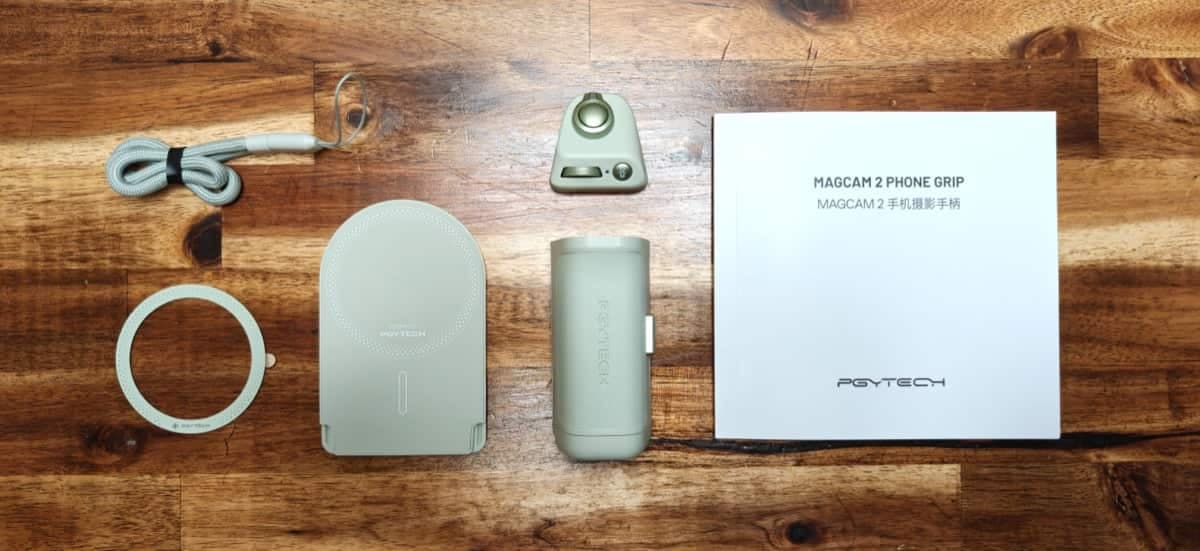
MagCam 2 grip (available in mint green, black, and gray)
Detachable magnetic MagSafe holder that doubles as a landscape orientation stand
Small magnetic Bluetooth controller that snaps onto the grip
Lanyard
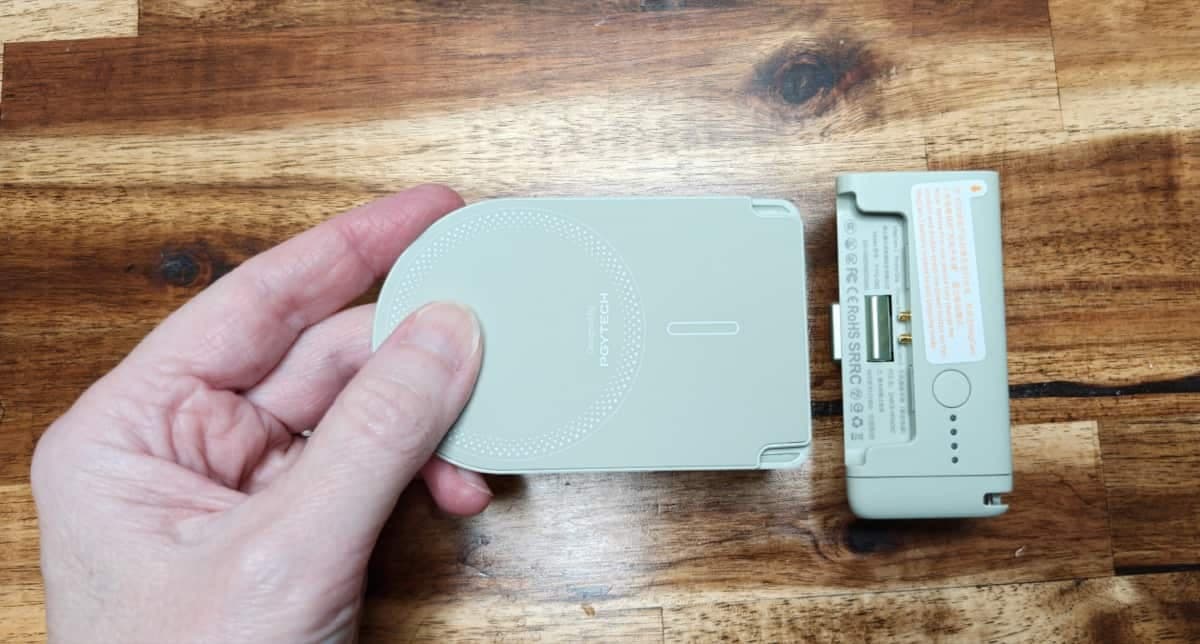
Built-in 3000mAh battery with power indicator and USB-C charging port/pass through power
Design and build
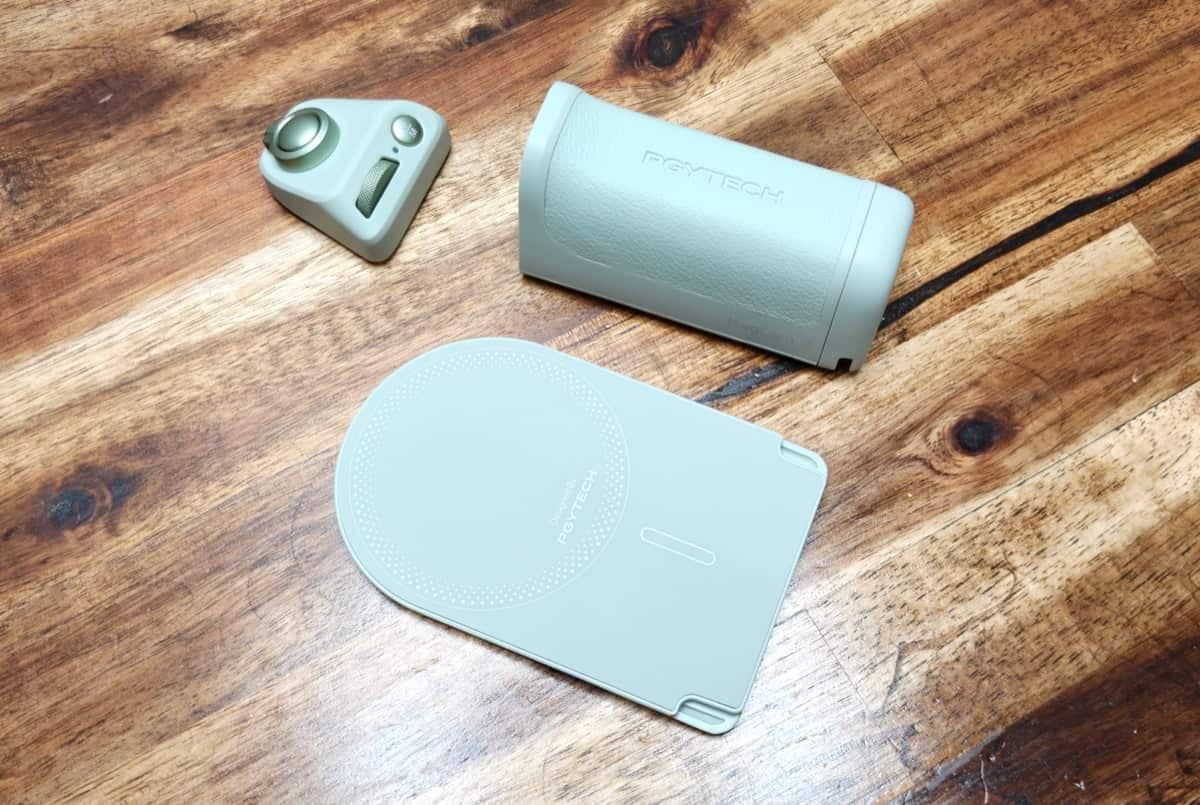
The PGYTECH MagCam 2 Phone Grip feels solid and well made. The outer surface has a leather-like texture (it’s not real leather) that’s comfortable to hold. The body has a threaded tripod socket on the bottom and a USB-C port so you can charge the battery inside the grip or connect to your phone as backup power while shooting.
Controls and ergonomics
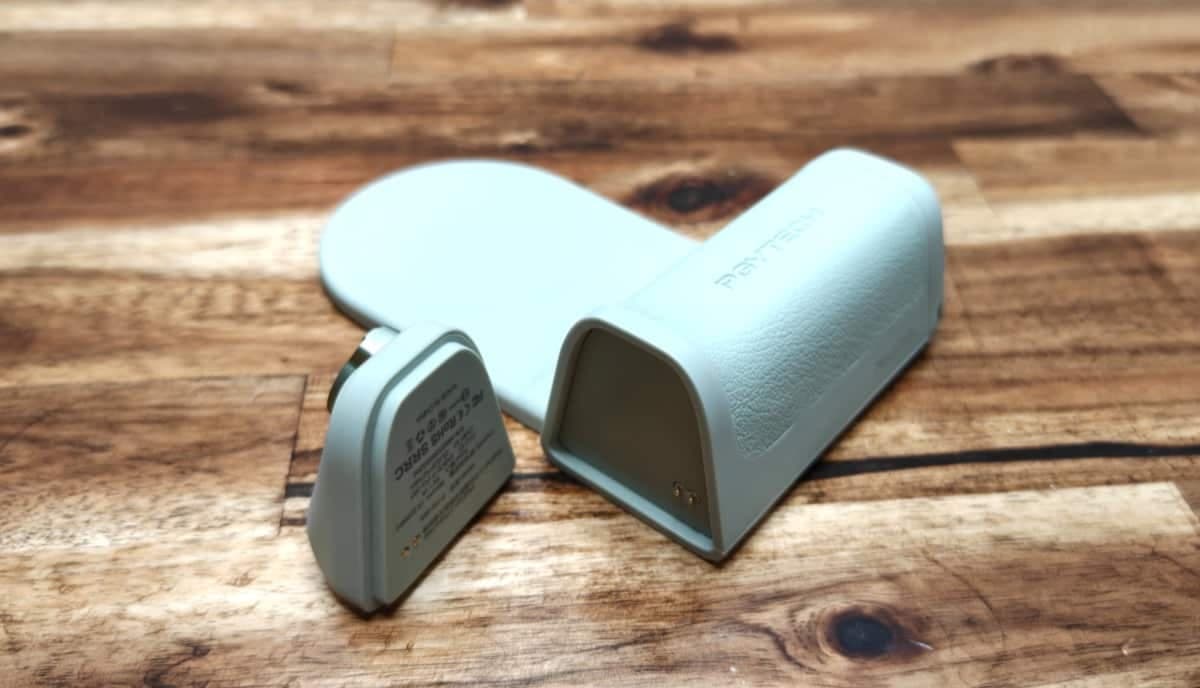
The MagCam 2 uses a small collection of hardware controls: a power button, a mode button, a shutter button, a dial (which you can assign to different functions), and a spring-loaded zoom lever. The magnetic controller snaps onto pogo pins on the top of the grip.
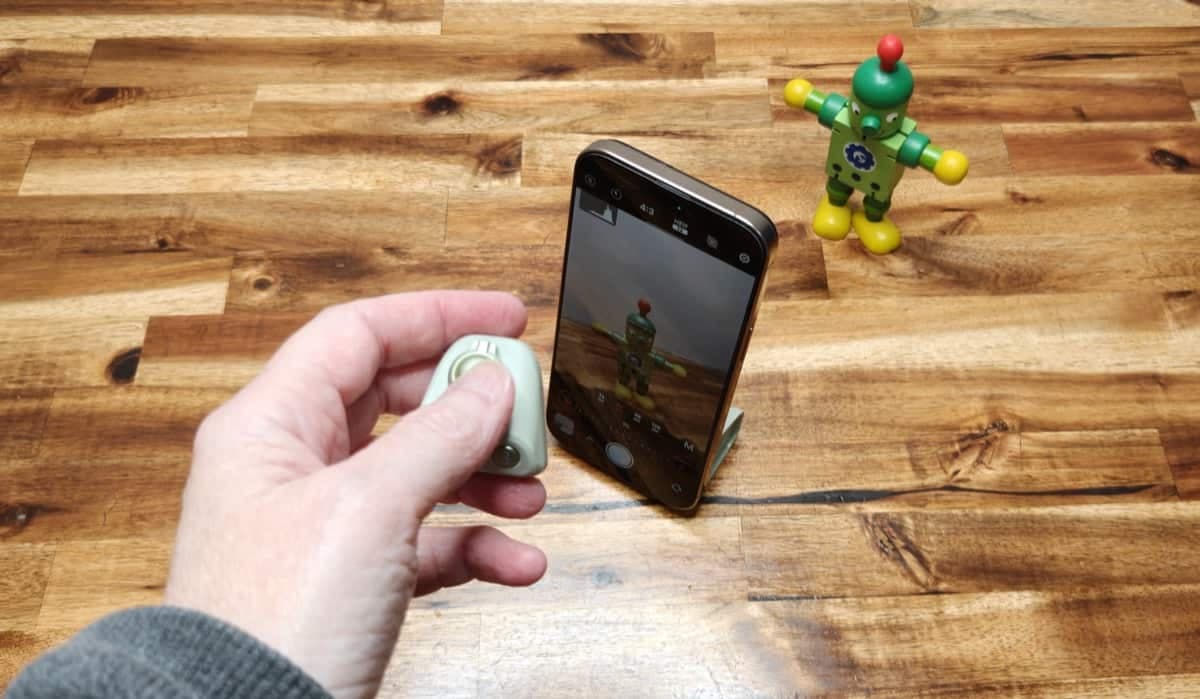
Note: The little controller can be used OFF the grip as a remote shutter button and settings controller.
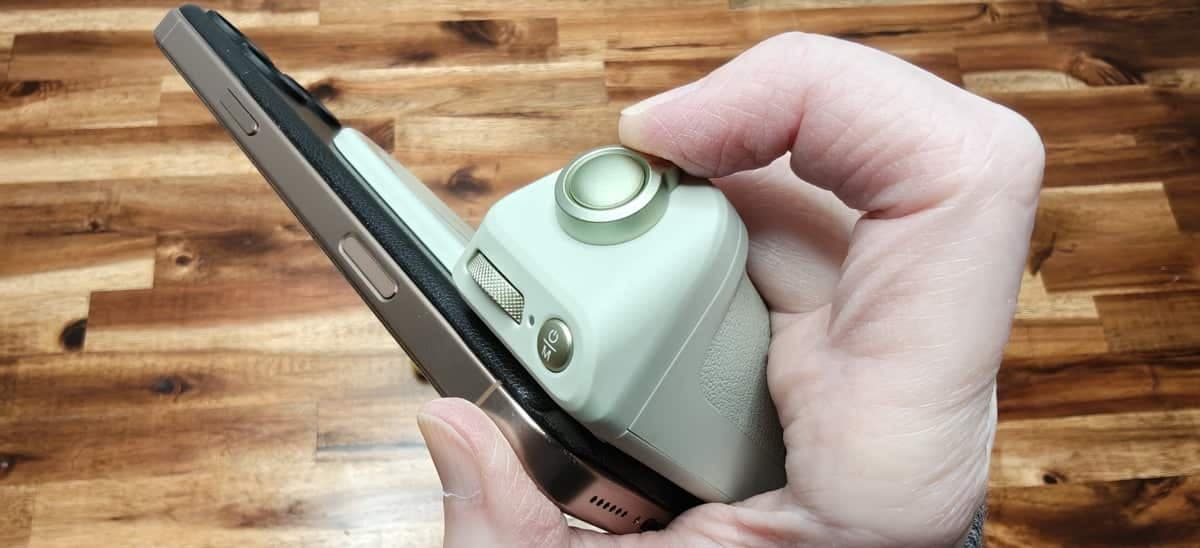
If you haven't used a DSLR in years, the MagCam 2 grip might feel a little awkward. That said, the grip itself is comfortable and provides a secure way to hold your camera. The location of the shutter button and zoom lever should feel normal for DSLR enthusiasts.
How it works with your iPhone
The PGYTECH MagCam 2 Phone Grip attaches to the back of your phone via MagSafe to provide a comfortable grip and a physical shutter button that mimics a DSLR feel. You can use it with the iPhone’s built-in Camera app for basic shutter and video start/stop functionality, but to access zoom presets and the dial’s full range of custom controls you’ll need PGYTECH’s proprietary camera app which you can find on the App Store.
Real world use - zoom, focus, and the app
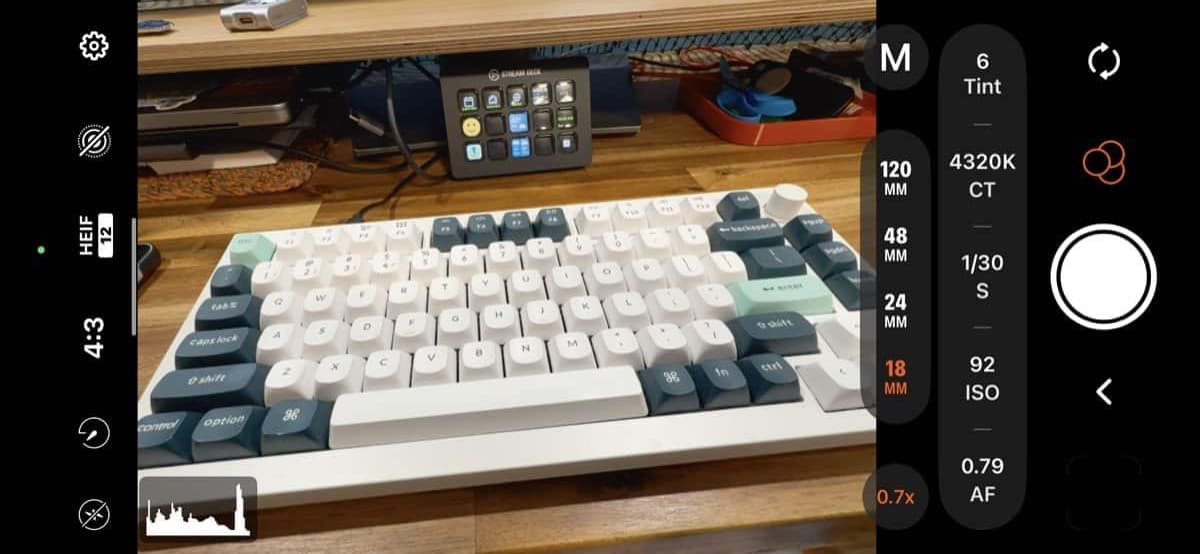
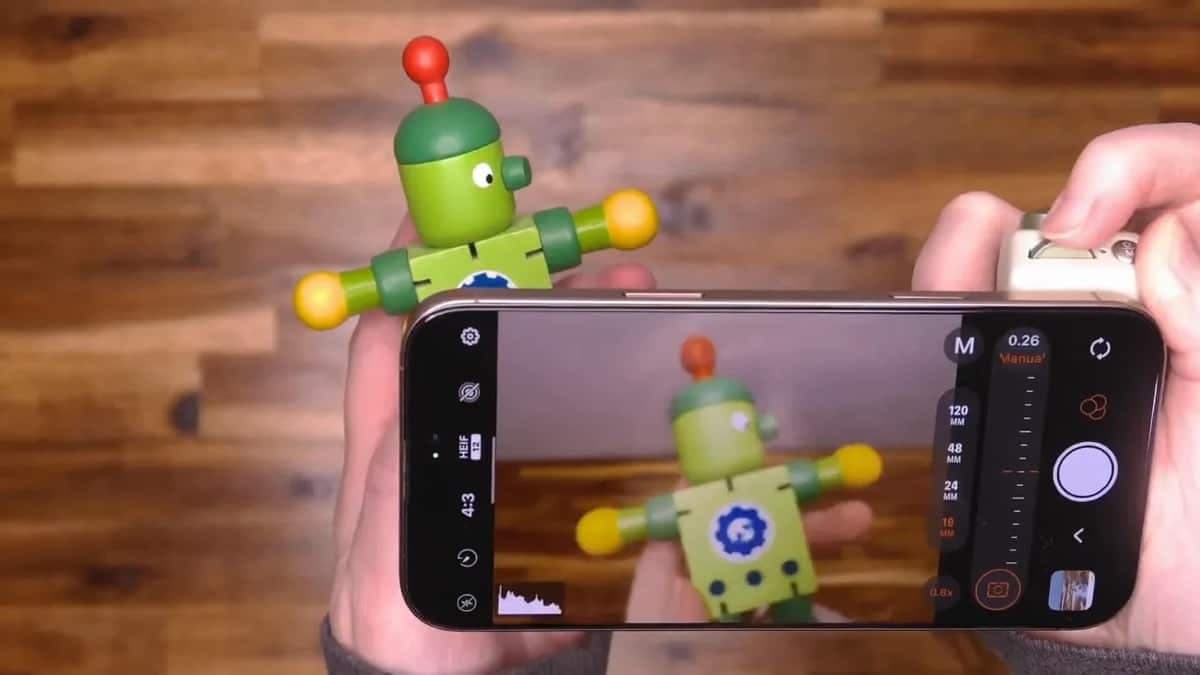
Once paired with the PGYTECH app the spring-loaded lever cycles through the camera’s focal lengths: 16mm, 24mm, 48mm, and 120mm. The app visually indicates the lens change, but it does so by graying out the viewfinder briefly while it switches. This is a behavior that I found distracting and hope can be improved with a software update. As it is, it slows down image and video capture.
The dial can be assigned to change exposure, ISO, shutter speed, color temperature, tint, or focus. In practice the focus control lets you smoothly dial in sharpness. You can see the viewfinder go soft and then snap back to sharp as you adjust the dial.
Battery, ports, and extras
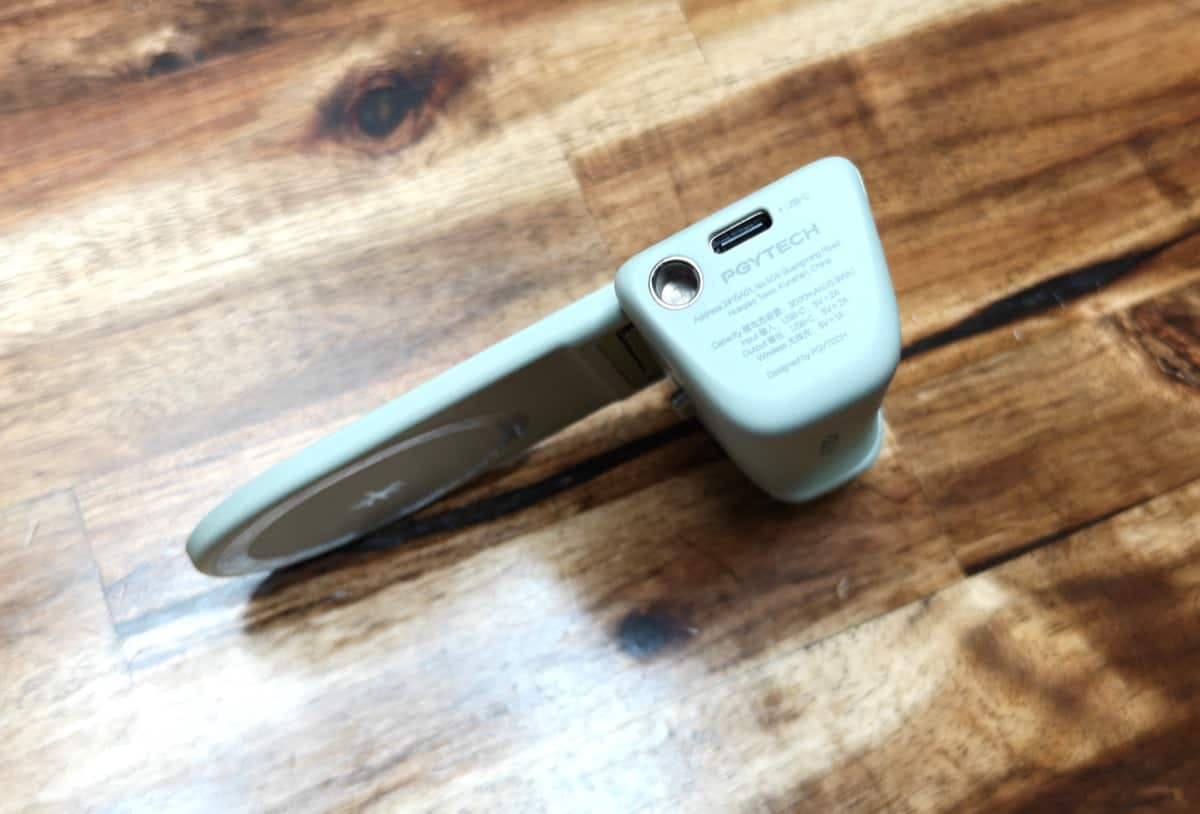
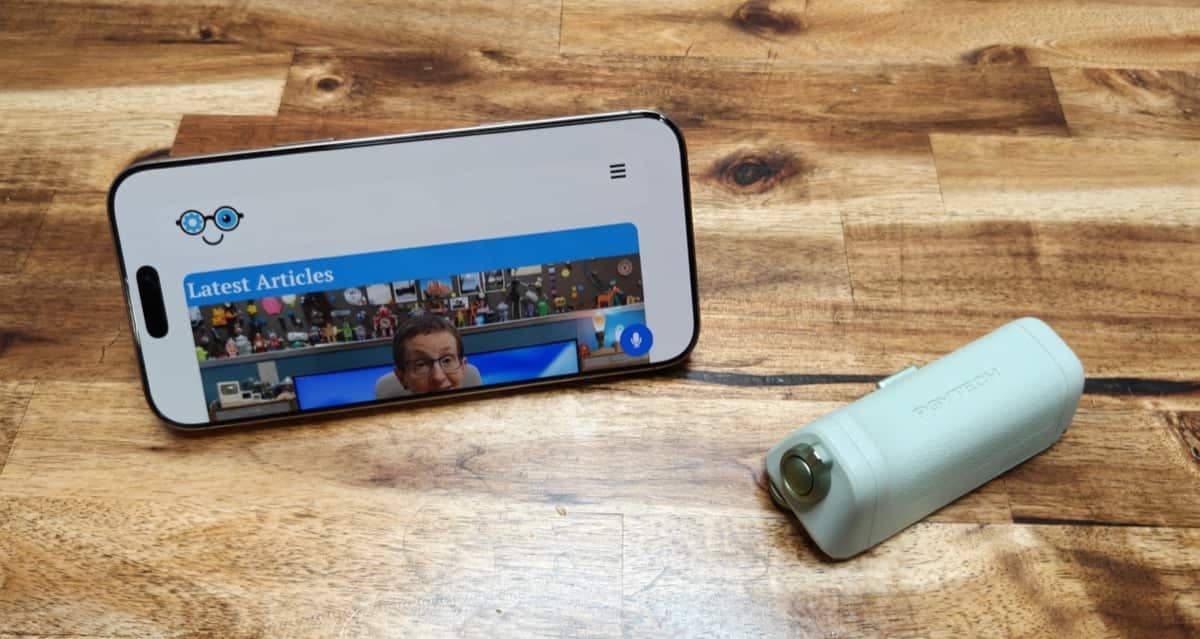
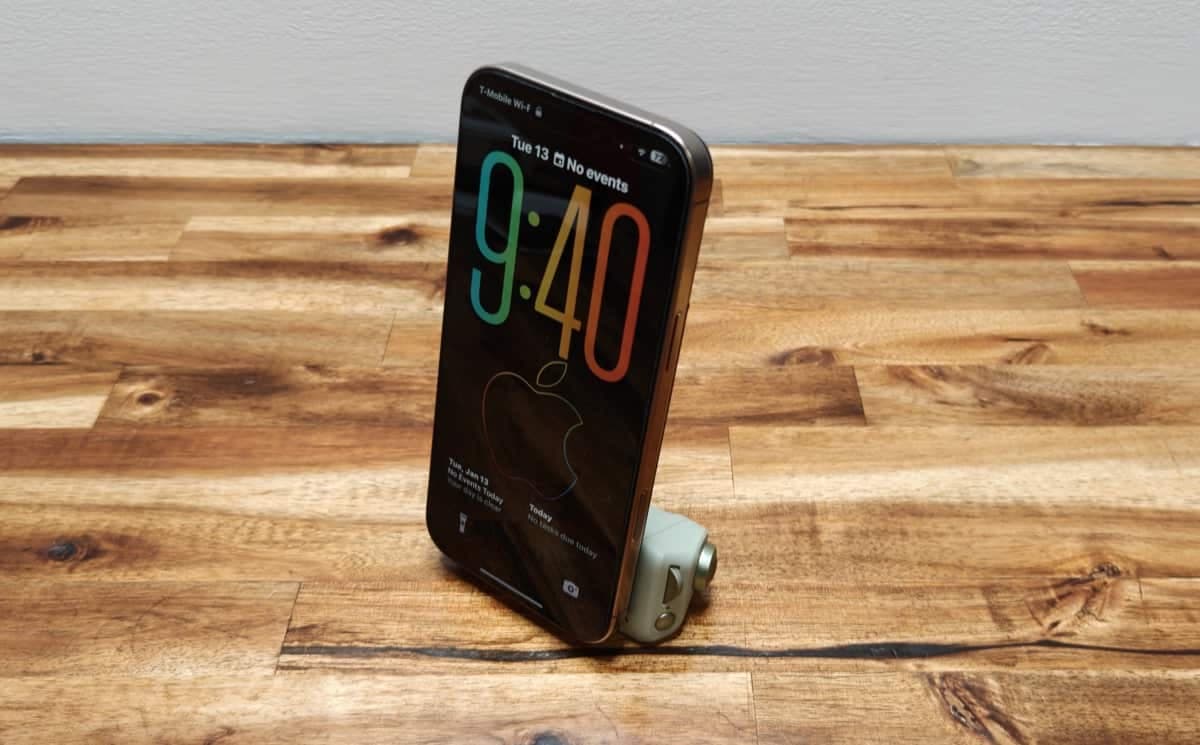
The built-in battery powers the grip and the magnetic controller; there’s a battery-status button on the back. The USB-C port supports pass-through charging so you can keep your iPhone topped up while the MagCam 2 is attached. The tripod thread on the bottom makes it easy to mount the grip for stationary shoots, and the detachable MagSafe piece doubles as a small stand when you remove it from the handle.
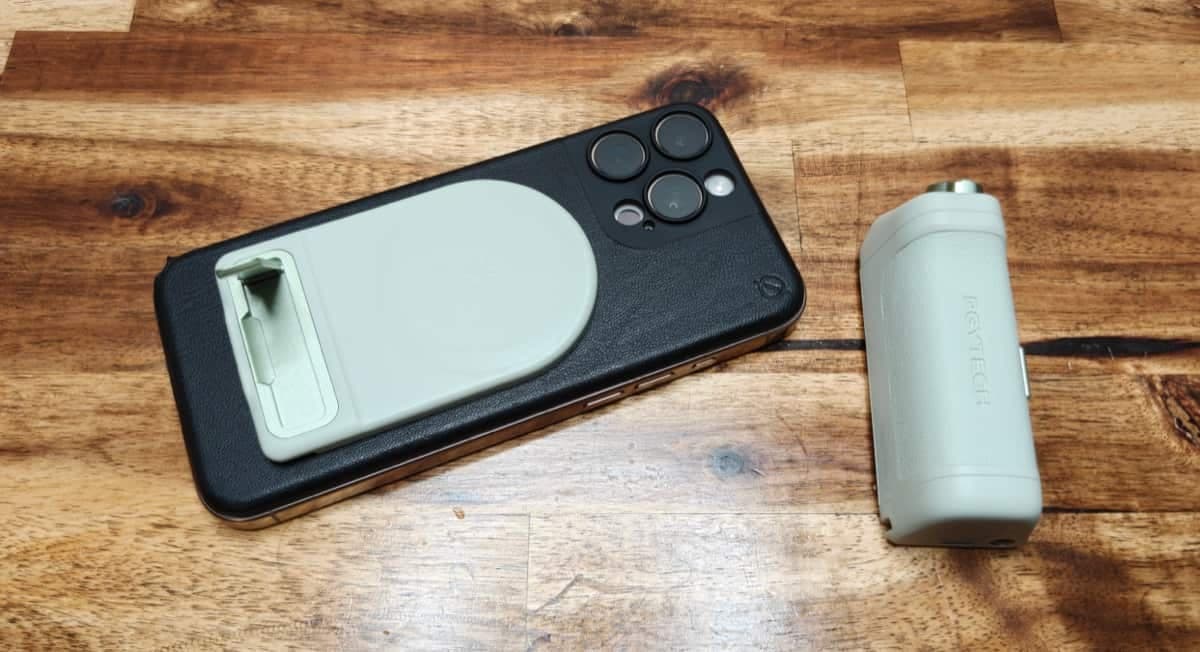
The MagCam 2 doubles as both a vertical and horizontal stand for your phone.
See it in action
What I like about the PGYTECH MagCam 2 Phone Grip
Solid construction and pleasant textured grip.
Detachable MagSafe holder that also works as a stand.
Built-in battery with USB-C pass-through charging.
Customizable dial and physical shutter give DSLR-like control.
Tripod socket and lanyard attachment add versatility.
What needs improvement
The app’s lens switching briefly grays out the viewfinder when changing focal lengths which annoying while composing shots.
If you already use an iPhone with a physical shutter control (like iPhone 16 Pro Max), the benefit is less compelling.
Who should buy it?
The PGYTECH MagCam 2 Phone Grip is a good fit for:
Vloggers and mobile creators who want a more camera-like hold and physical controls.
People who need a small tripod-ready grip and occasional stand functionality.
Anyone with dexterity issues who finds a handle and hardware shutter easier to use than the phone alone.
It’s less attractive for those who prefer the simplicity of the stock iPhone camera and don’t need the extra zoom or dial-based controls.
PRICE: $59.95
WHERE TO BUY: PGYTECH and Amazon (Use discount code: Y2KUY4EV)
SOURCE: The sample for this review was provided for free by PGYTECH. They did not have a final say on the review and did not preview the review before it was published.
Final thoughts
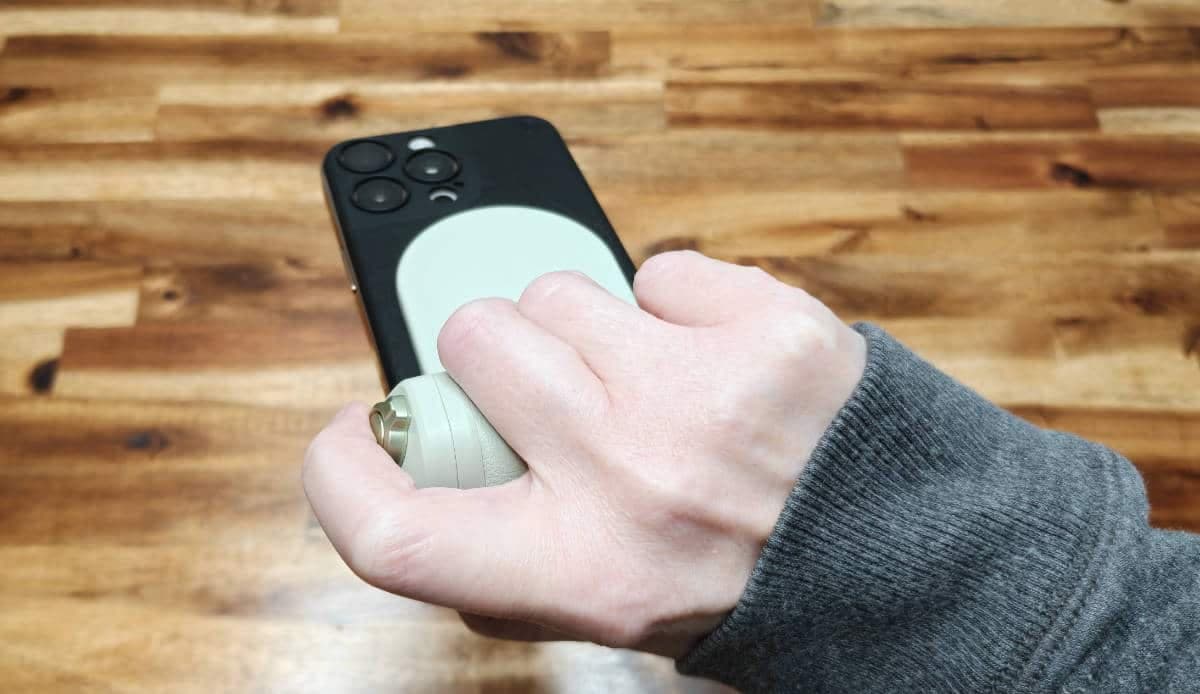
After several days with the PGYTECH MagCam 2 Phone Grip I can say it’s thoughtfully designed and well built. The pass-through charging, tripod socket, and customizable controls make it a flexible accessory for creators on the go. That said, if your iPhone already offers convenient physical shutter controls or you don't care to use a third-party camera app, the MagCam 2 may be more gadget than you need.
What do you think?
Would you use the PGYTECH MagCam 2 Phone Grip with your iPhone? If you try it, let us know how the feel, app behavior, and zoom switching work for your shooting style.
Related posts